YouTube Transcript Generator

Convert YouTube videos to accurate transcripts in 99+ languages within seconds. Start your free trial today.

Transcribe an online file

Copy an online media file URL from the following website to transcribe

youtube
facebook
tiktok
dropbox
x
vimeo
loom
instagram
TrustpilotRated 4.7/5 on Trustpilot
Product Hunt#1 Product of the Month on Product Hunt
Accuracy99% Accurate
Languages99+ Languages
TranslationTranslation
AI SummaryAI Summary

AI-PoweredYouTube Transcript

  • Video and Audio Files to TextVideo and Audio Files to Text
  • Live TranscriptionLive Transcription
  • Speaker Identification & TimestampSpeaker Identification & Timestamp
  • AI-Generated SummariesAI-Generated Summaries
  • 99+ languages Transcription & Translation99+ languages Transcription & Translation
  • 99+ Accuracy99+ Accuracy
  • Flexible ExportFlexible Export

How to Get YouTube Transcript

Step 1

Start Transcribing

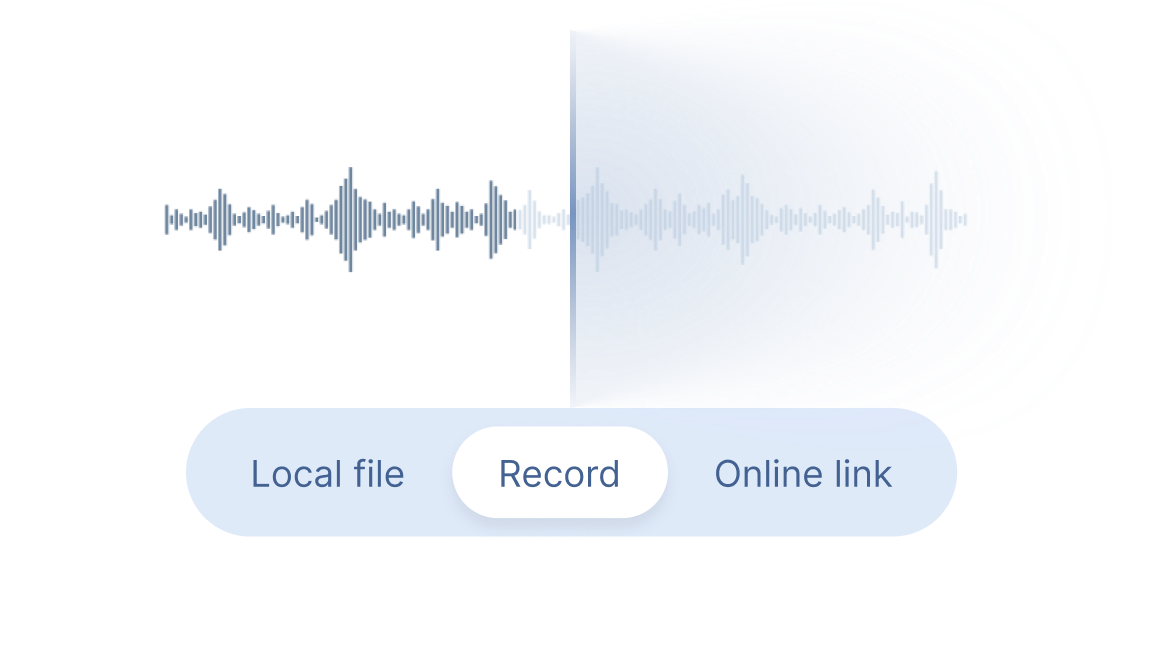
Paste a YouTube video link into Clipto, or use Record to transcribe YouTube videos and live streams in real time.

Record Banner
Step 2

Get YouTube Transcripts

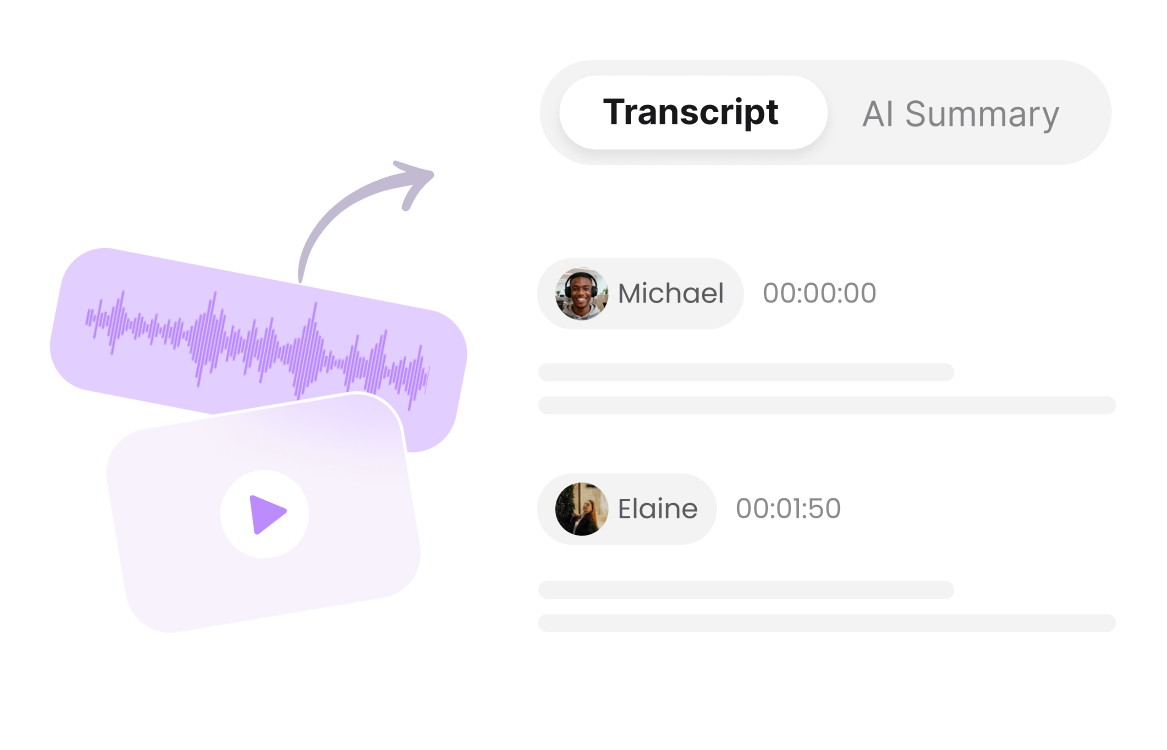
Get accurate YouTube transcripts with timestamps, speaker identification, AI summaries, translations.

Record Banner
Step 3

Download & Share

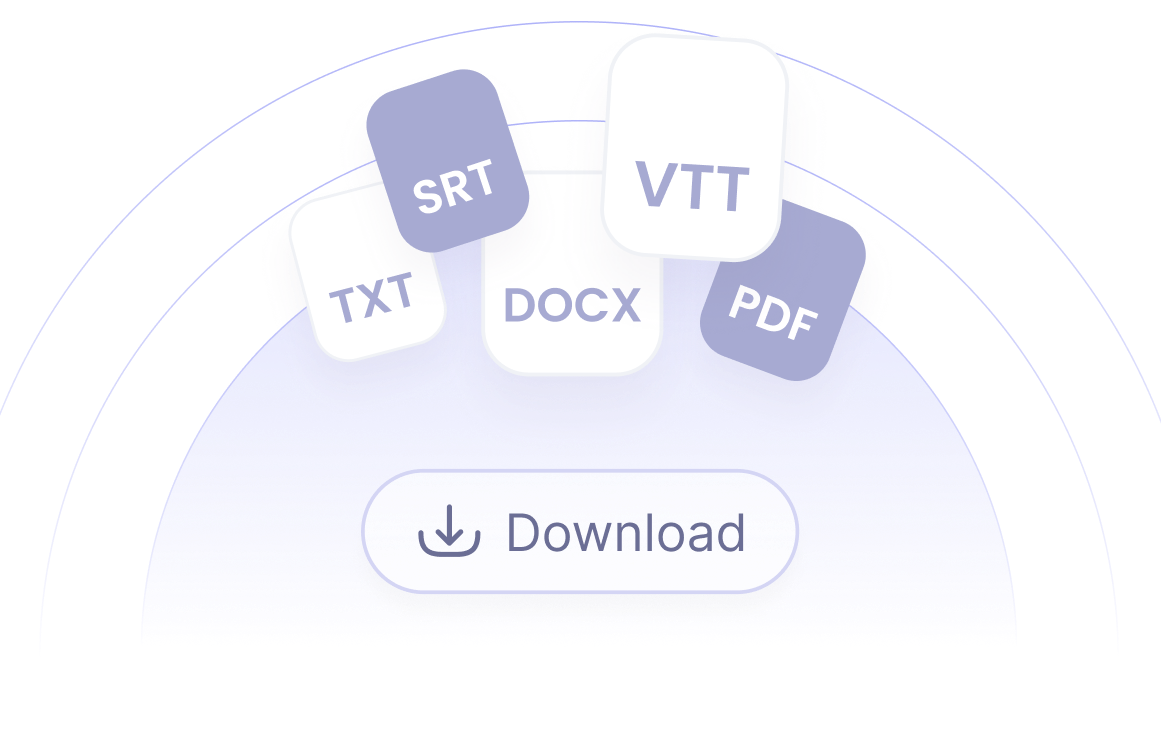
Export YouTube transcripts as TXT, DOCX, PDF, SRT or VTT files for easy editing and sharing.

Record Banner

YouTube Transcript Generator for Different Use Cases

Content Creators

Convert YouTube videos into reusable content to quickly create blogs, captions, social posts and other content.

Live Stream Viewers

Use live transcription to turn YouTube streams to real-time text, making it easier to follow conversations and capture key moments.

Students & Learners

Turn lectures, tutorials and educational videos into transcripts and AI summaries for easier study and review.

Journalists & Writers

Transcribe interviews, discussions and news videos to find quotes, facts and important moments with timestamps and speakers.

Language Learners

Learn languages through YouTube and translate video content to better understand vocabulary, conversations and lessons.


Frequently Asked Questions

How to Generate a YouTube Transcript?

Simply paste the YouTube video URL into Clipto YouTube Transcript Generator. The transcript will be generated automatically in seconds.

Why Do You Need a YouTube Transcript?

YouTube transcripts make video content searchable, easier to understand and reusable for notes, research, content creation and accessibility.

Can I Translate a YouTube Transcript into Other Languages?

Yes. Clipto YouTube to Text Converter supports translating YouTube transcripts into 99+ languages, helping you understand content in your preferred language.

Is There a Limit to the Length of the YouTube Video I Can Transcribe?

No. There is no limit on the length of YouTube videos you can transcribe.

How Long Does It Take to Generate a YouTube Transcript?

Most transcripts are generated within seconds, depending on the video length.

What Formats Can I Download the YouTube Transcript In?

You can download transcripts in multiple formats, including TXT, SRT, VTT, DOCX and more, making them easy to use for notes, subtitles and sharing.