




 Rated 4.7/5 on Trustpilot
 #1 Product of the Month on Product Hunt
 Runs 100% Locally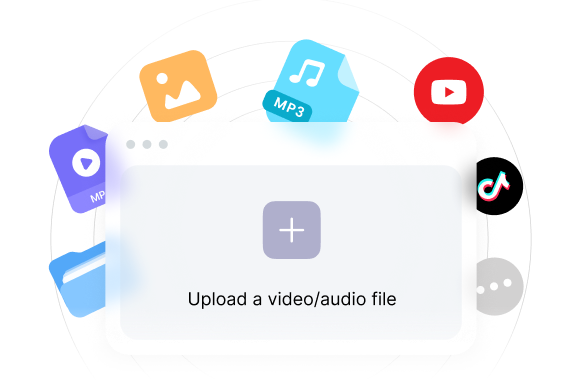
1
Import Your Media
Bring videos, audio, transcripts, notes, and links into one searchable workspace.
Stop scrubbing through hours of footage. Simply describe the moment you're looking for, and Clipto instantly finds the exact clip using AI. Search videos by scenes, people, actions, conversations or emotions, without manually reviewing your footage. Everything runs locally on your device, so your videos are never uploaded.
7-Day Free Trial · No Credit Card Required
Bring videos, audio, transcripts, notes, and links into one searchable workspace.

Clipto creates transcripts, tags, scenes, speakers, topics, and context automatically.
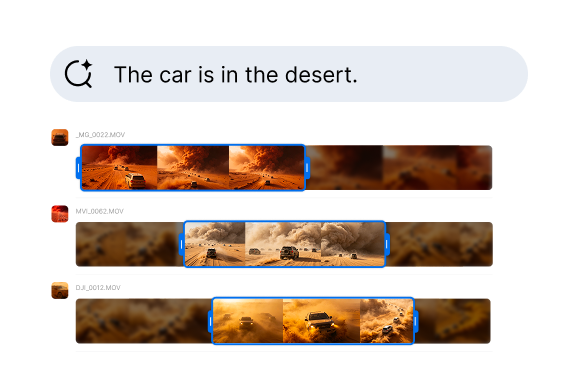
Type what you remember and jump to the exact moment across long media files.
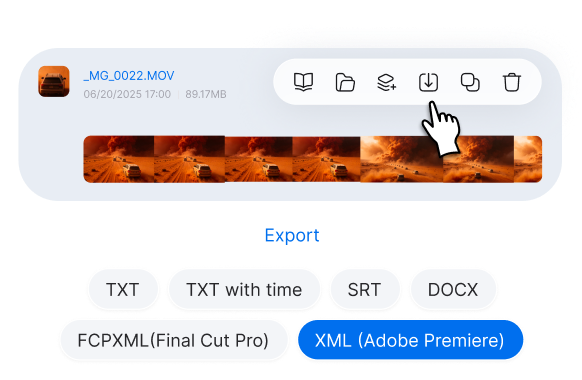
Save clips, notes, summaries, and references for editing or content reuse.
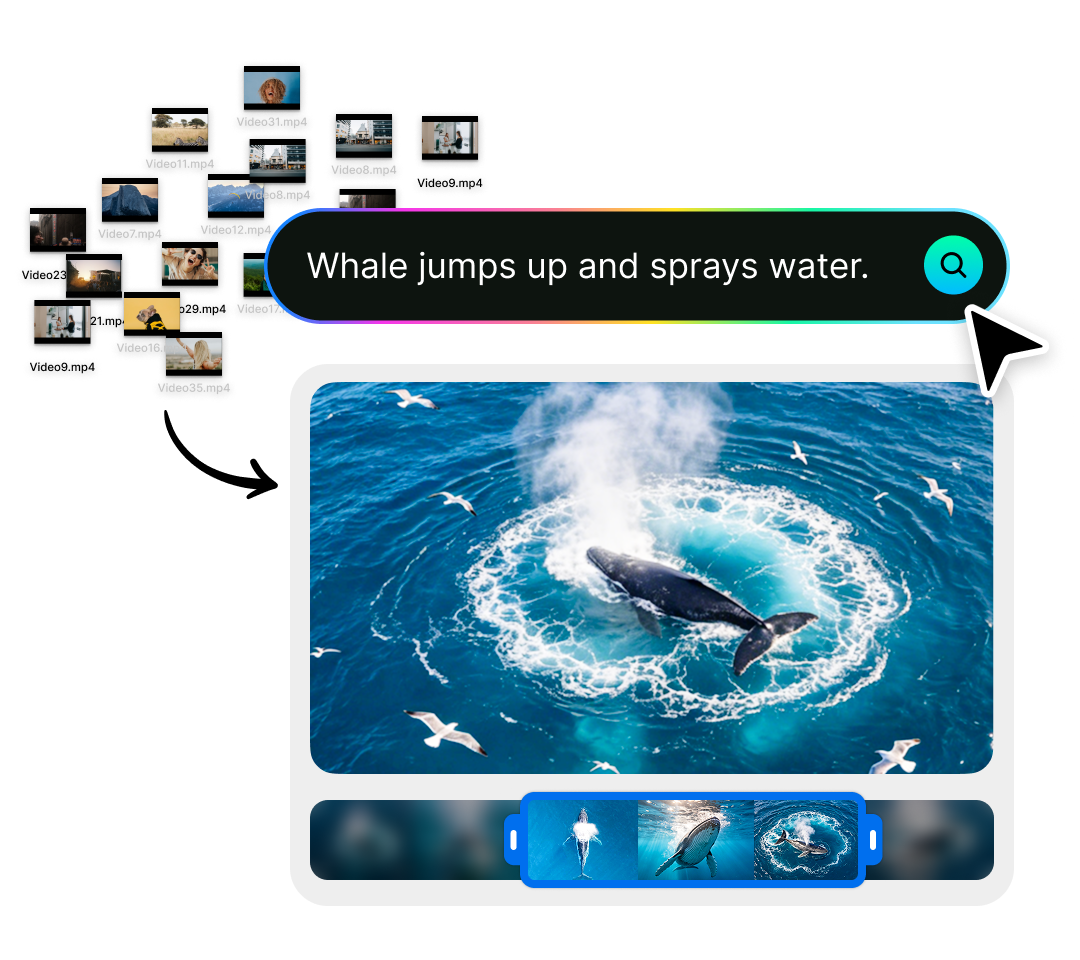
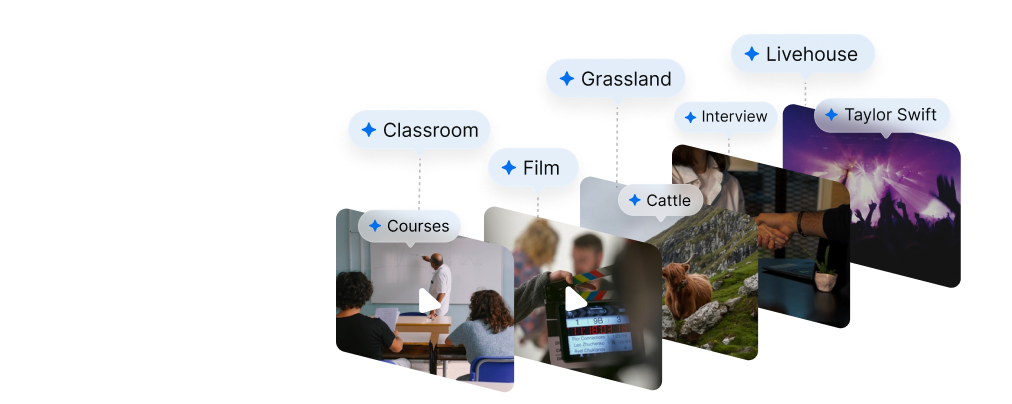
Find any clip by describing what you're looking for. Search by scenes, people, actions, conversations or emotions <strong>using natural language.</strong> Clipto instantly finds the exact moment, so you never have to scrub through hours of footage again. Search across all your videos, even if you don't remember which file it's in.
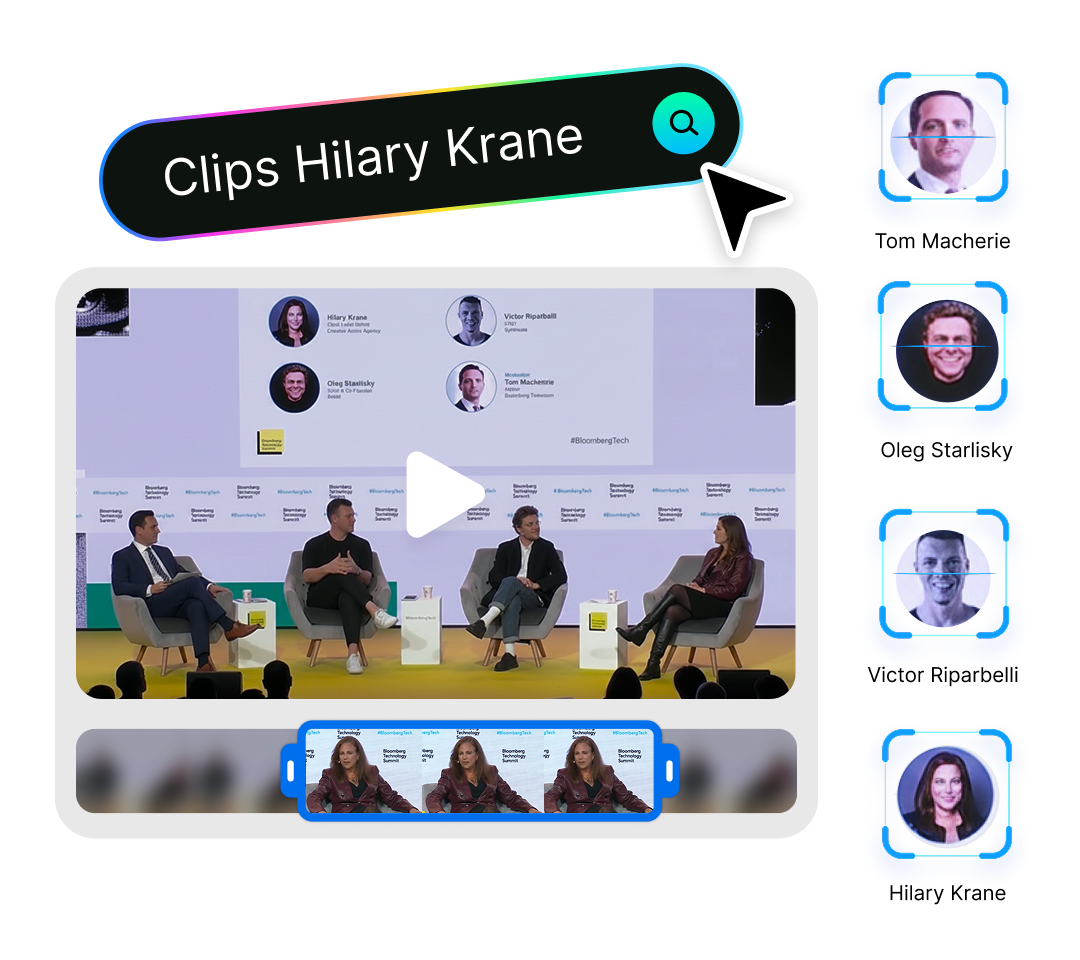
Clipto automatically recognizes people in your videos. Simply click a person to instantly find every clip where they appear.
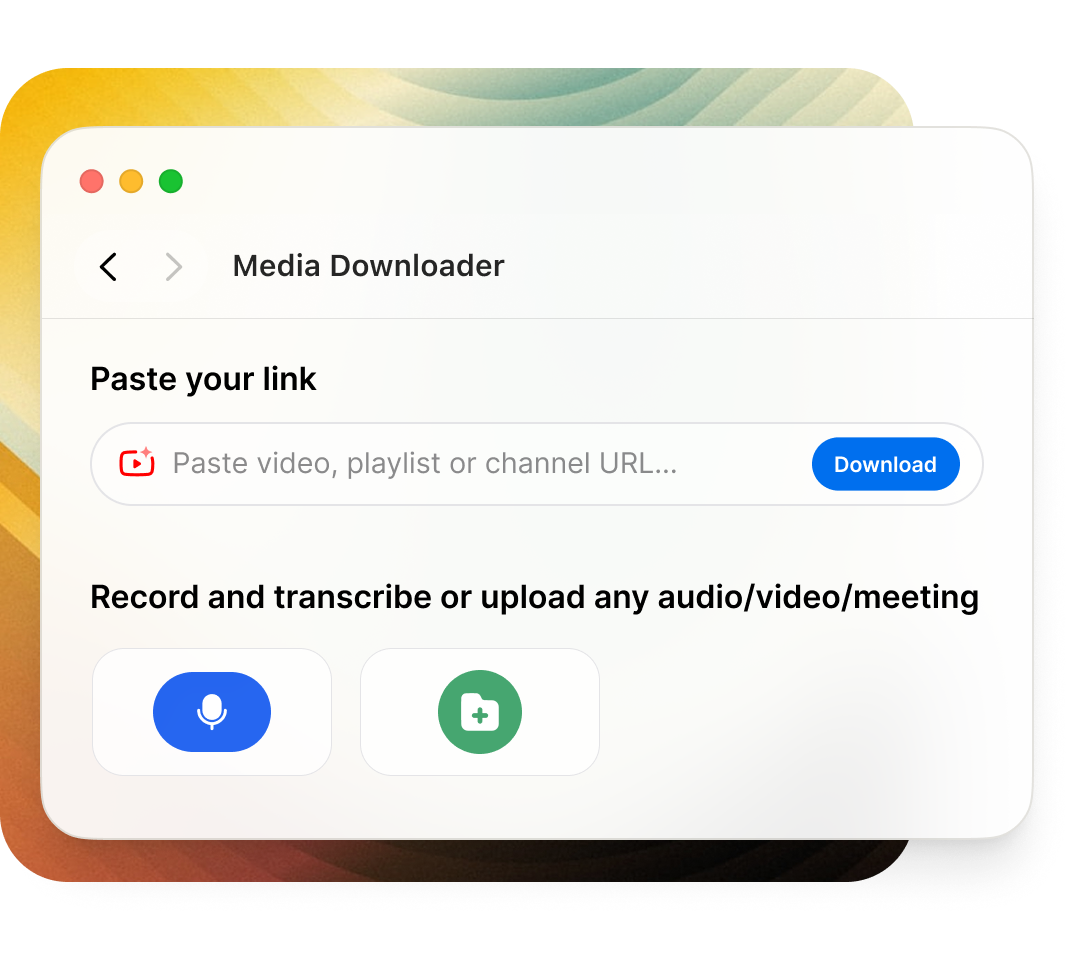
Import videos and audio from your computer or supported online sources like YouTube. Clipto automatically prepares everything for AI search in one place.
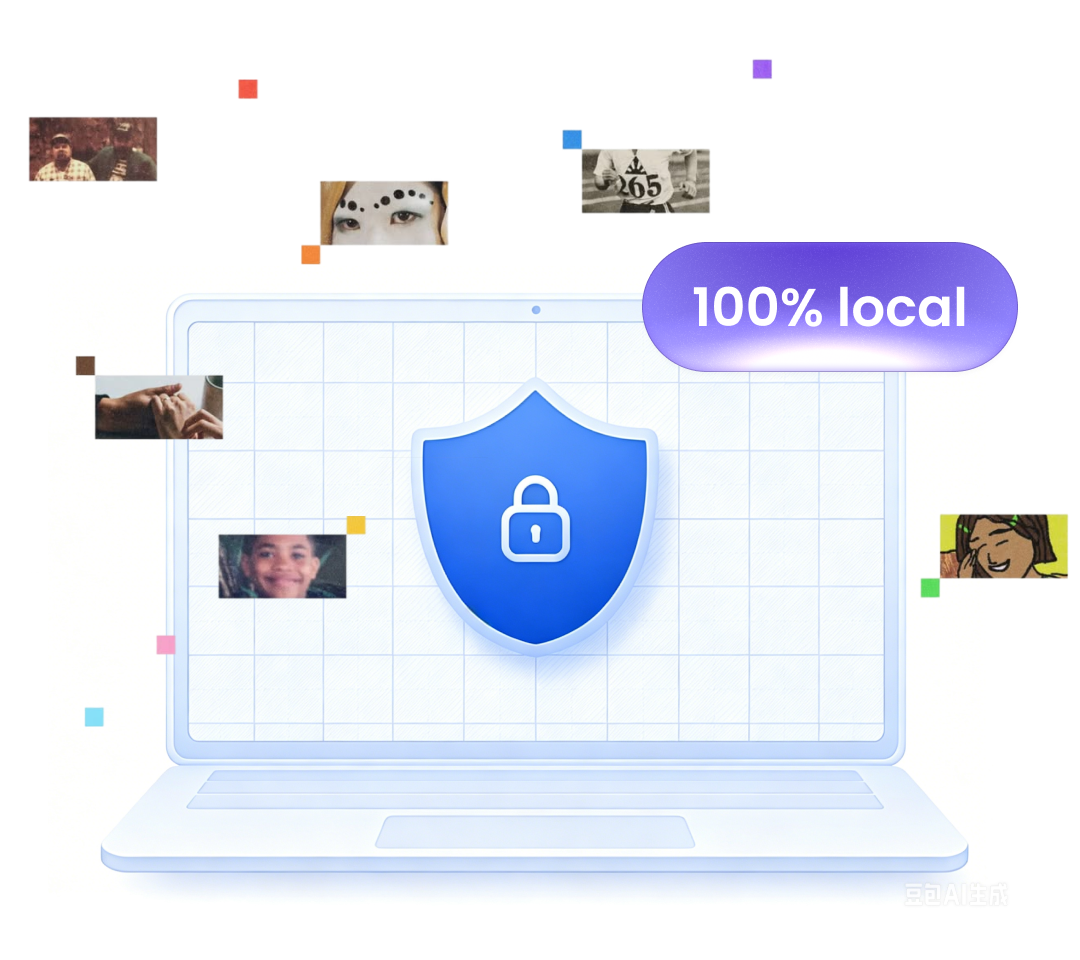
Search privately without uploading your media. Everything runs locally on your Mac. Your videos or audio stay on your device, giving you fast AI search with complete privacy.
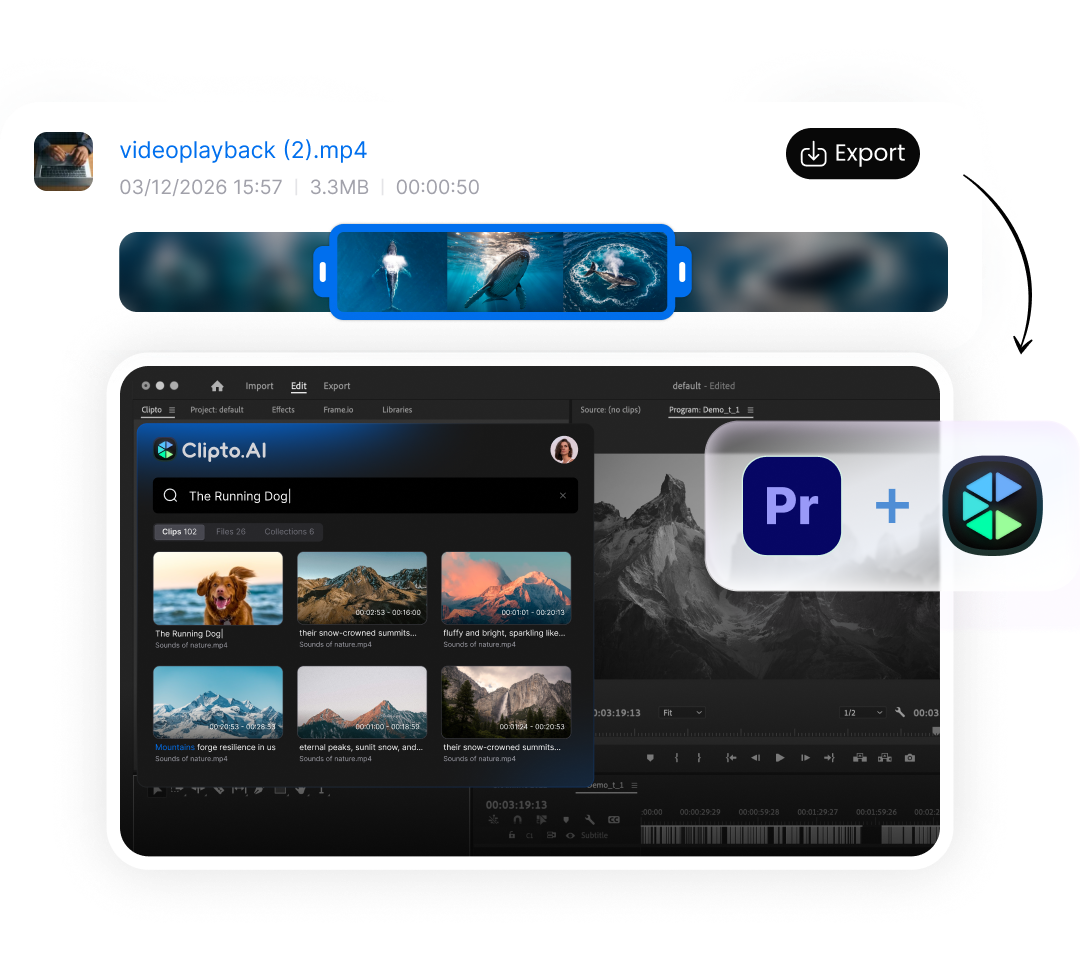
Export clips directly to your favorite editing tools. Start with our Premiere Pro plugin, with DaVinci Resolve and Final Cut Pro support coming soon. Export clips seamlessly and keep editing without interrupting your workflow.
Clipto helps you do much more than finding clips. Transcribe, summarize, organize and chat with your media.
Automatically organize your media with AI-generated tags for faster navigation.
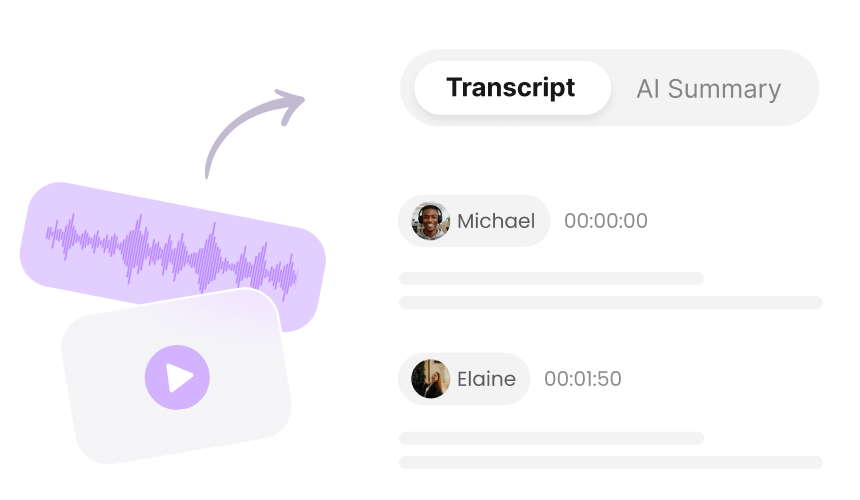
Convert video and audio into accurate transcripts with speaker identification and timestamps.
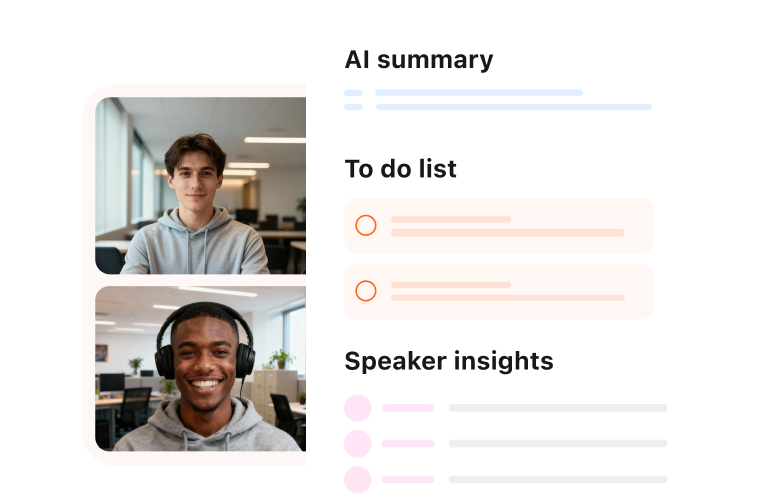
Generate tailored summaries, including overviews, key points, speaker insights and action items, in seconds.
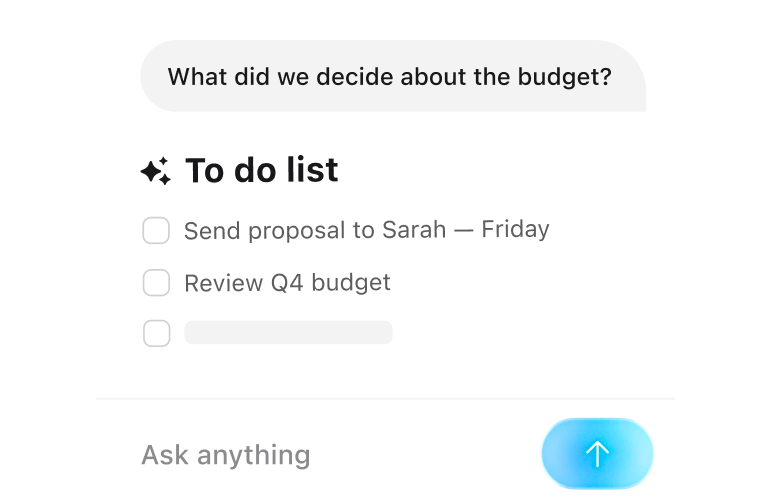
Ask questions about your videos or audio and instantly get precise answers without rewatching them.
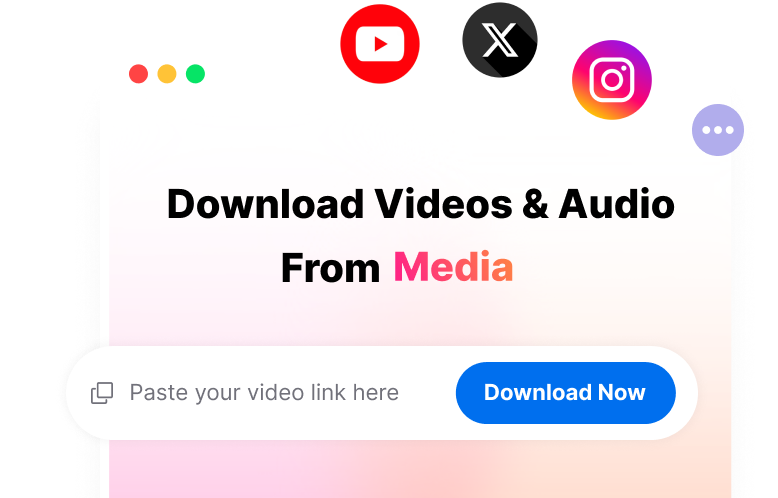
Save videos and audio from popular online platforms like YouTube, Facebook and TikTok.
Whether you're editing videos, creating content or managing large media libraries, Clipto helps you instantly find the exact clip you need.

Find the exact clip without scrubbing timelines. Spend less time searching, more time editing.

Find your best moments in seconds. Create Shorts, Reels and social content much faster.

Find interview moments without reviewing hours of footage. Search quotes, stories and archive footage in seconds.

Find every quote without replaying episodes. Turn long conversations into clips, highlights and show notes.

Manage growing media libraries with ease. Find the right asset for every project in seconds.

Never lose track of your footage. Find any scene, person or moment in seconds.
