




 Rated 4.7/5 on Trustpilot
 #1 Product of the Month on Product Hunt
 Runs 100% Locally
1
Add Your Footage
Add videos and other media from your local library to Clipto. Clipto analyzes your footage so you can find and use the content you need faster.
Connect your local footage to AI and streamline your editing workflow. Find any moment across your video library, match B-roll, create rough cuts, capture highlights, turn long videos into short clips, add captions, and repurpose videos faster.
7-Day Free Trial · No Credit Card Required
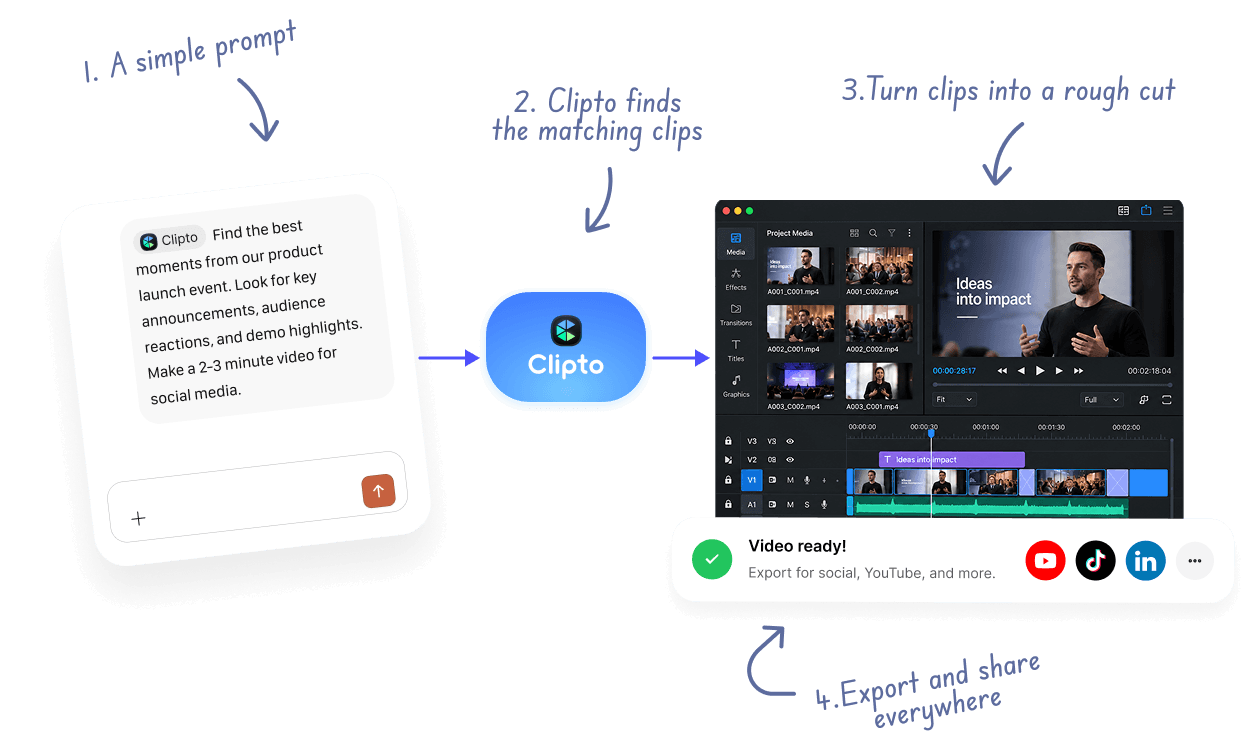
Add videos and other media from your local library to Clipto. Clipto analyzes your footage so you can find and use the content you need faster.
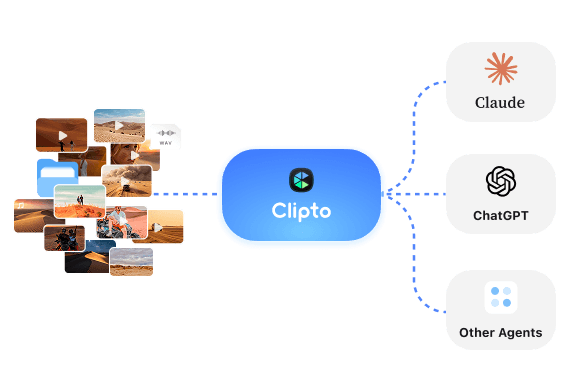
Use Clipto MCP to connect your local footage with AI tools like ChatGPT and Claude, so AI can work directly with your media library.
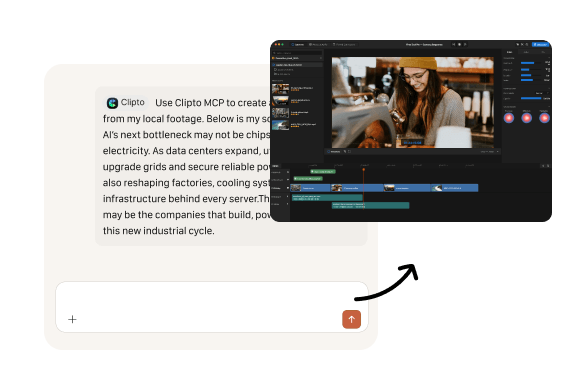
Tell AI what you want in natural language. Find specific moments, create short clips, turn scripts into videos, match B-roll, create rough cuts, generate captions, and more. Clipto automatically finds the footage you need for your edit, so you don't have to manually search through your videos.
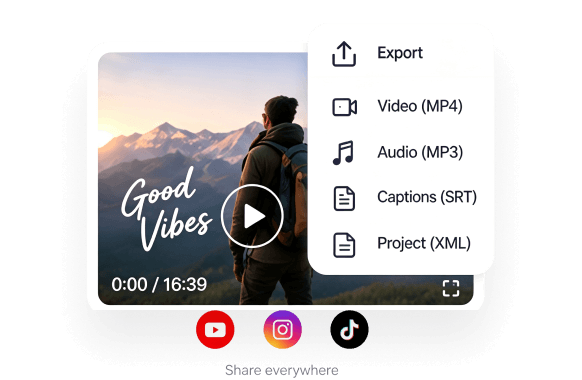
Transform your existing footage into polished, ready-to-share content for any platform, without starting from scratch. No editing skills needed.
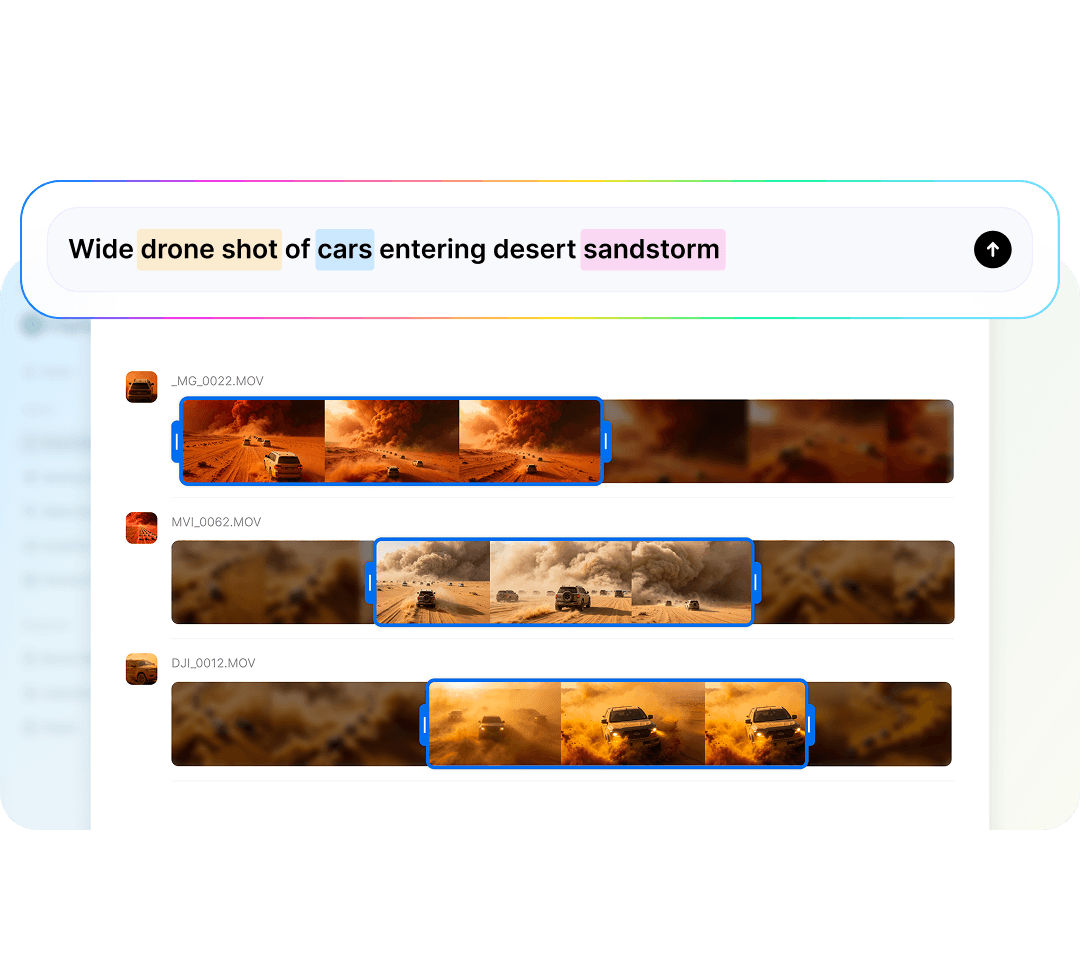
Search your local video library with natural language and instantly find the moments, people, scenes, conversions or topics you need, without manually searching through hours of footage.
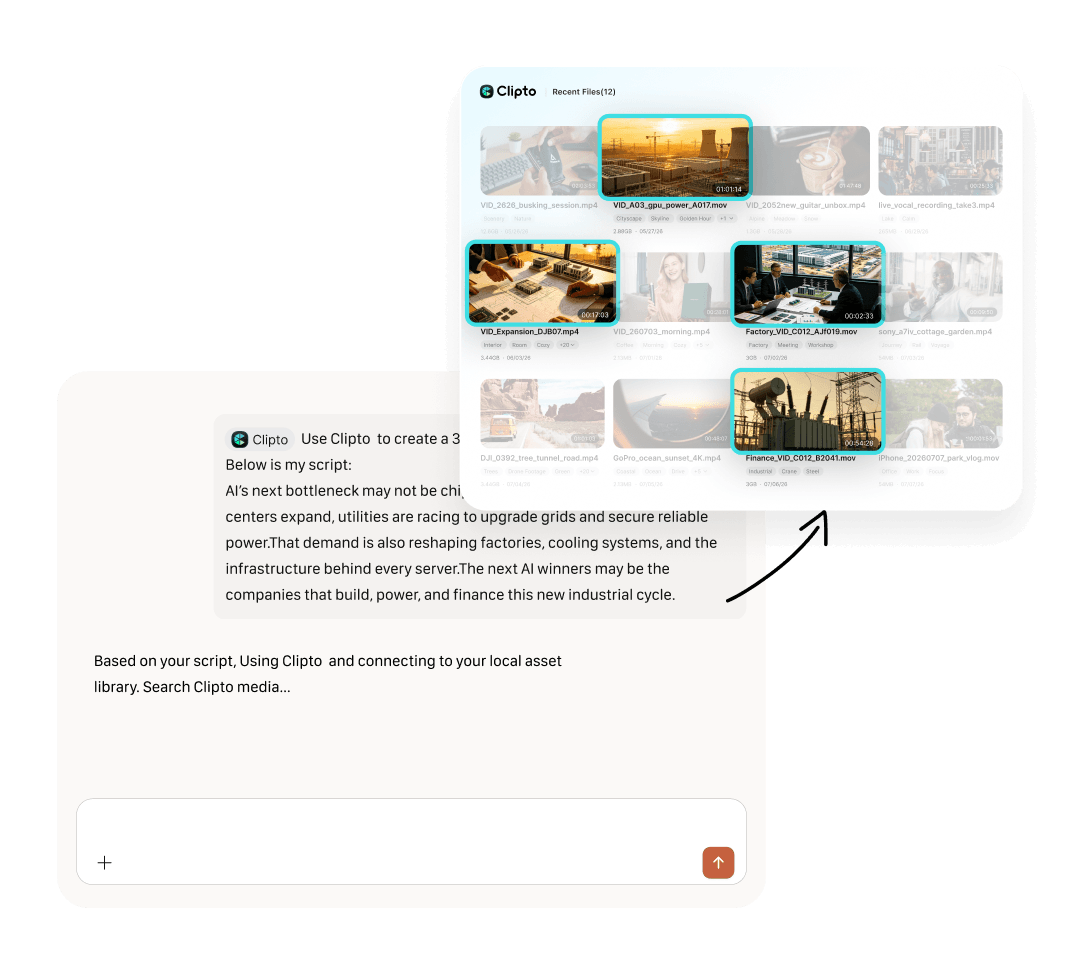
Give a script or prompt and Clipto automatically finds the right footage from your local library. Match relevant B-roll to your story, remove unnecessary sections, add captions, and turn raw footage into a clean first cut, without manually searching for clips or cutting every scene yourself.
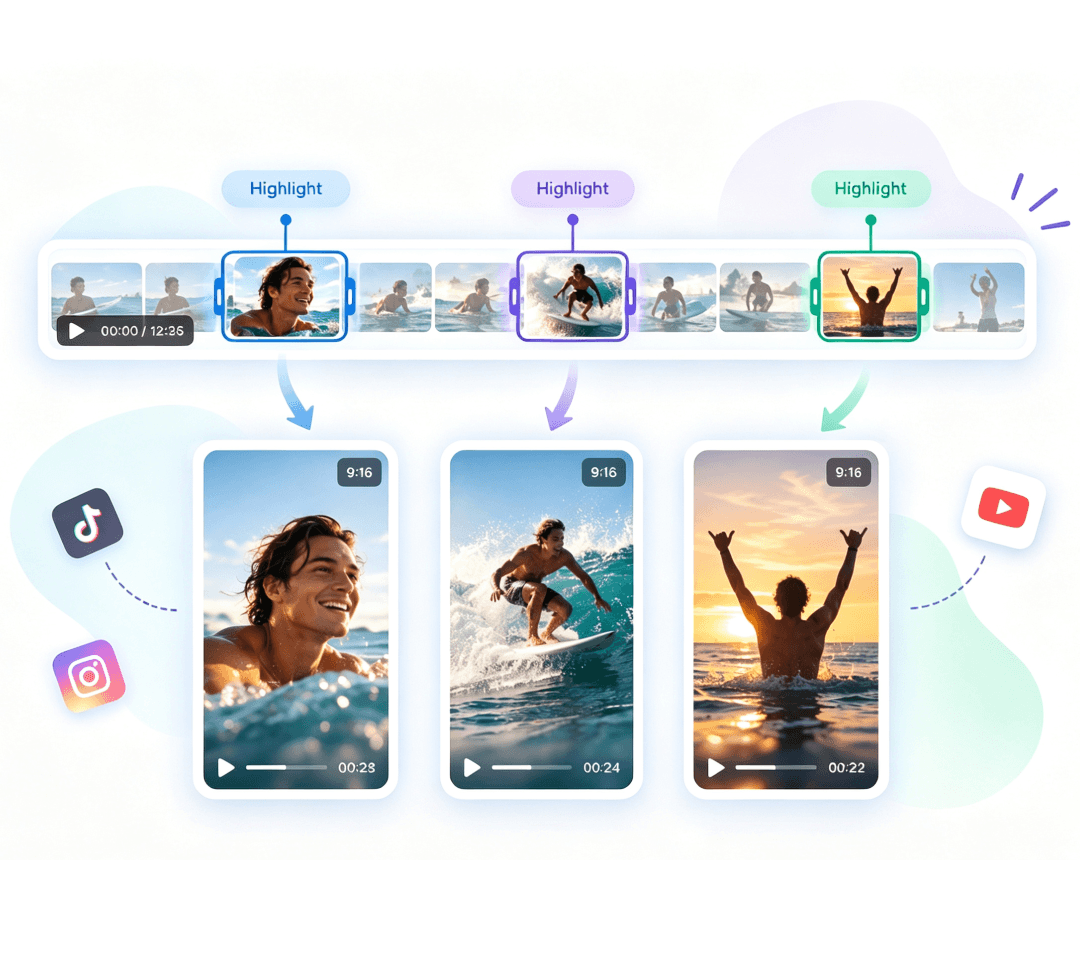
Automatically find the most engaging moments in your long-form videos and turn them into short clips for social media, including YouTube Shorts, TikTok, and Instagram Reels, or repurpose them for other uses, all without spending hours manually searching, cutting and selecting clips.
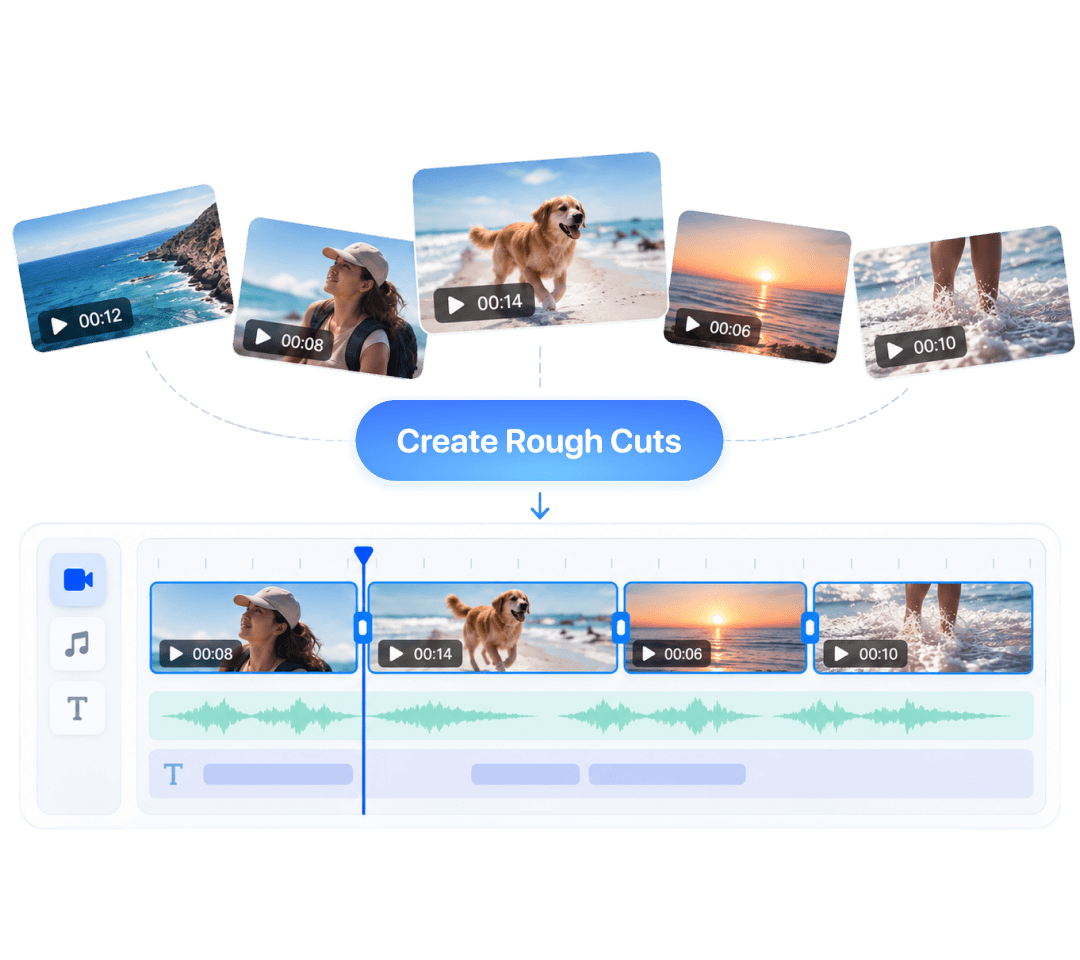
Build a first cut without starting from scratch. Clipto AI video editing assistant automatically finds and combines the relevant clips you need, no hours spent searching through or organizing footage. Focus on refining your story, not managing your media.
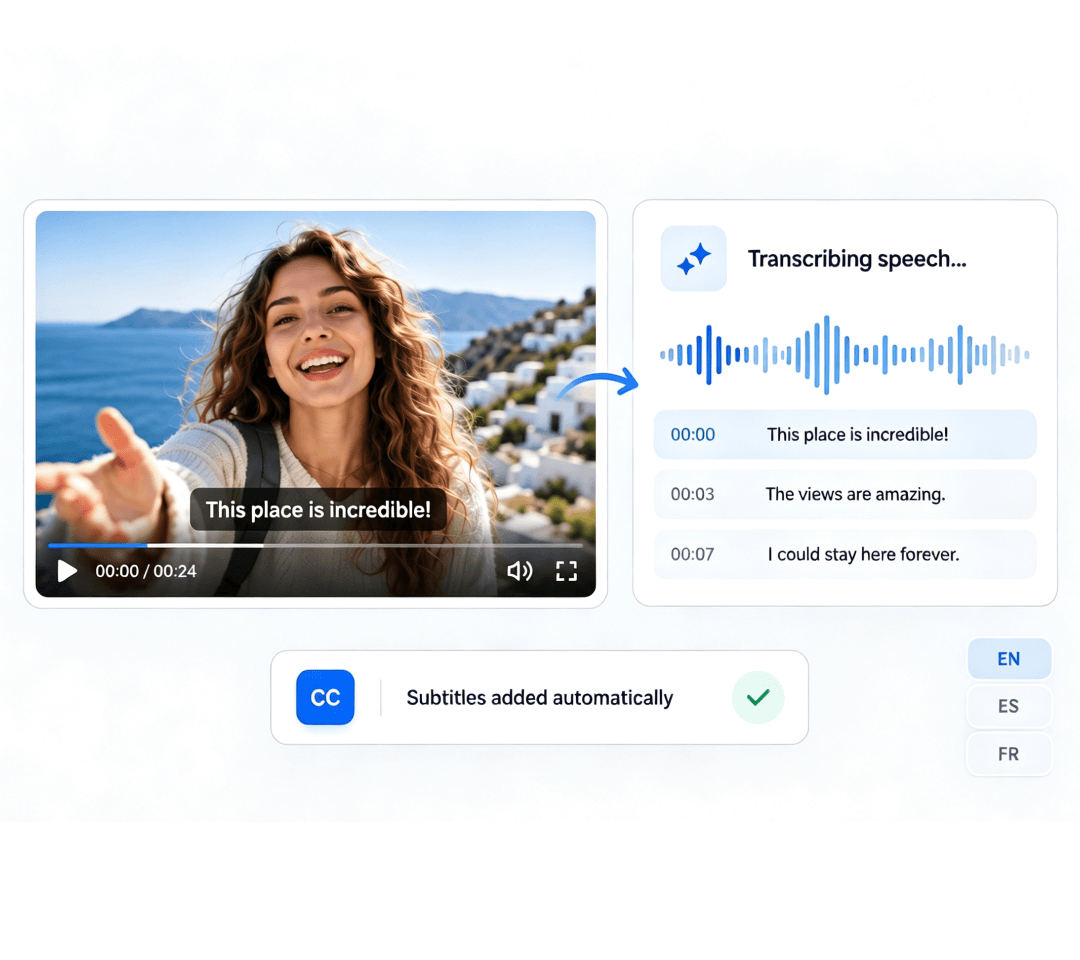
Create accurate captions from your videos. Transcribe your videos and audio locally and generate subtitles without manually typing them out. Keep your workflow fast while keeping your content private.
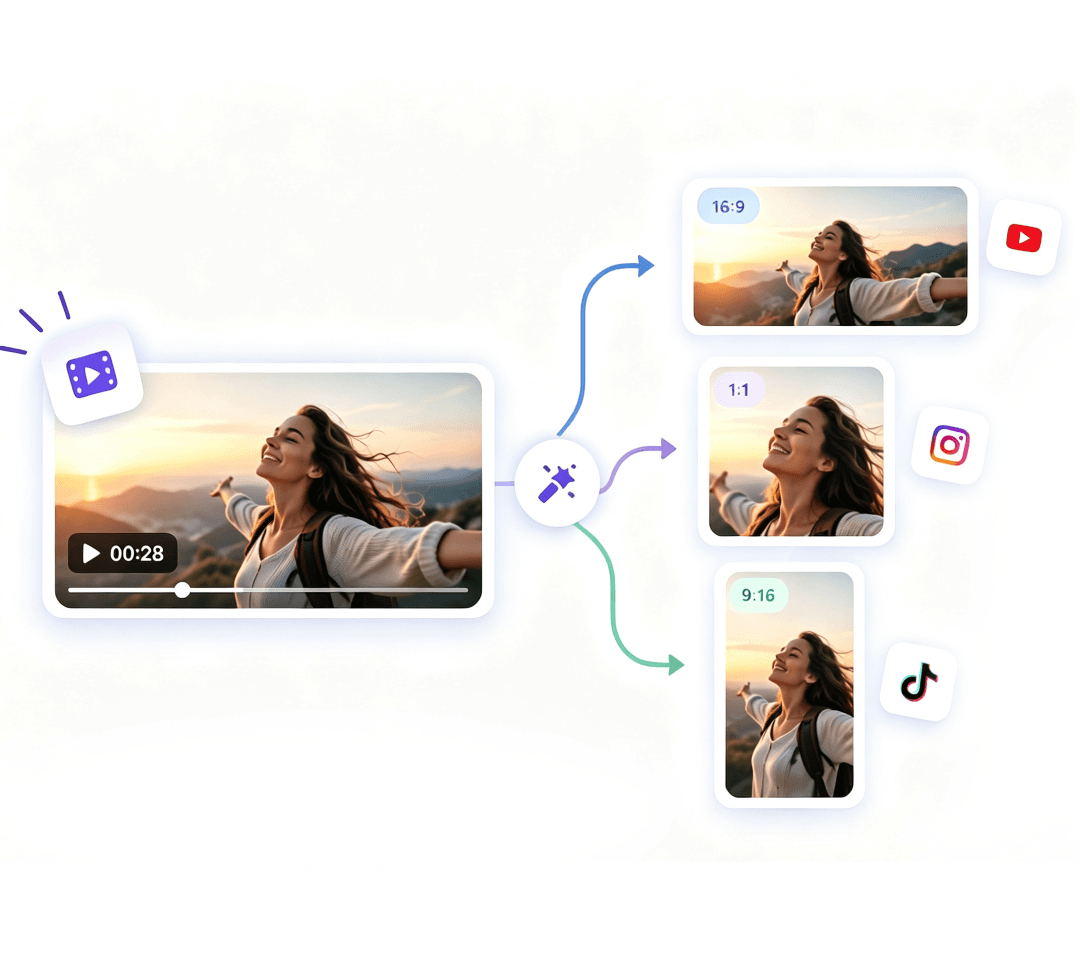
Turn your existing footage into more content without starting from scratch. Create different cuts and formats from the same video for different platforms and use cases, so you don't have to edit the same video over and over again.
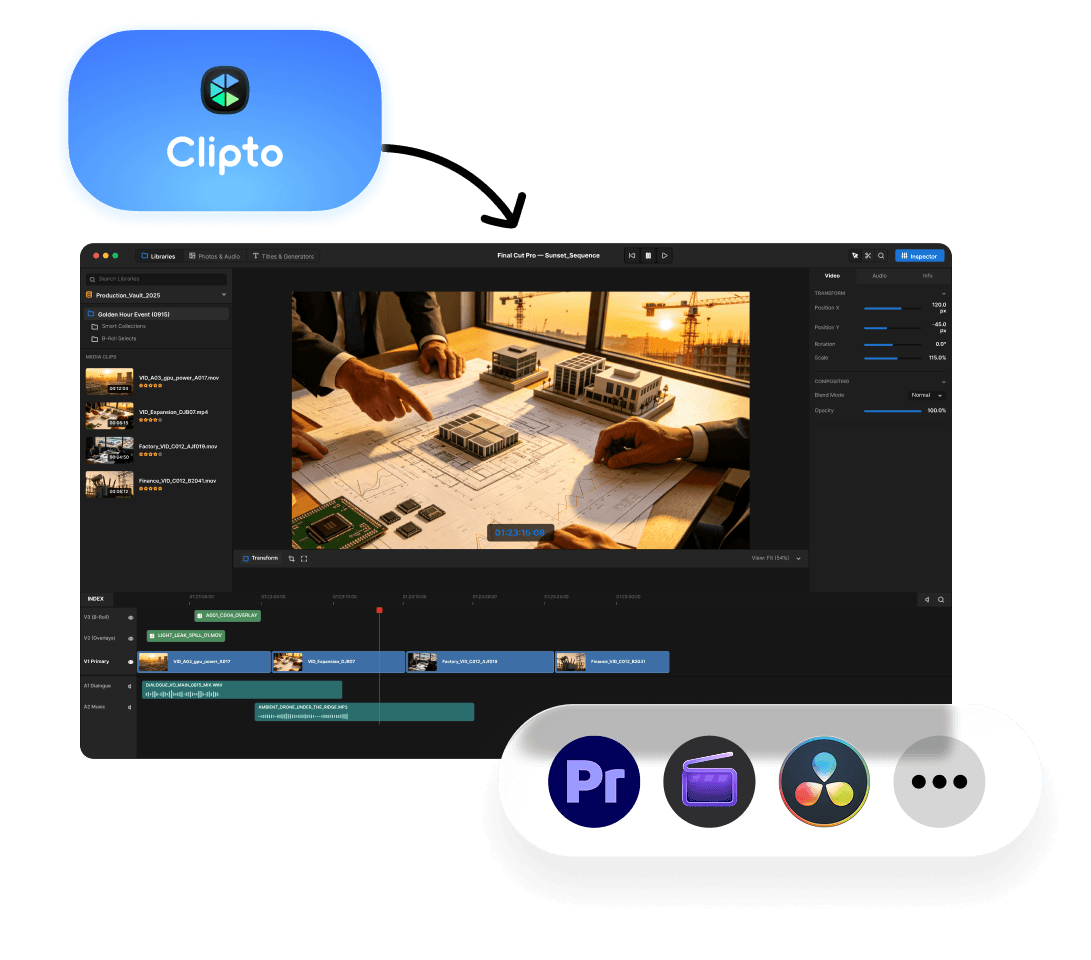
Connect your local footage to AI and find the clips you need without constantly moving files between your AI tools and video editor. Automatically find the right footage and bring it directly into your next edit with workflows for Premiere Pro, DaVinci Resolve, CapCut and Chatcut.
Clipto helps you do much more than editing videos. Transcribe, summarize, organize and chat with your media.
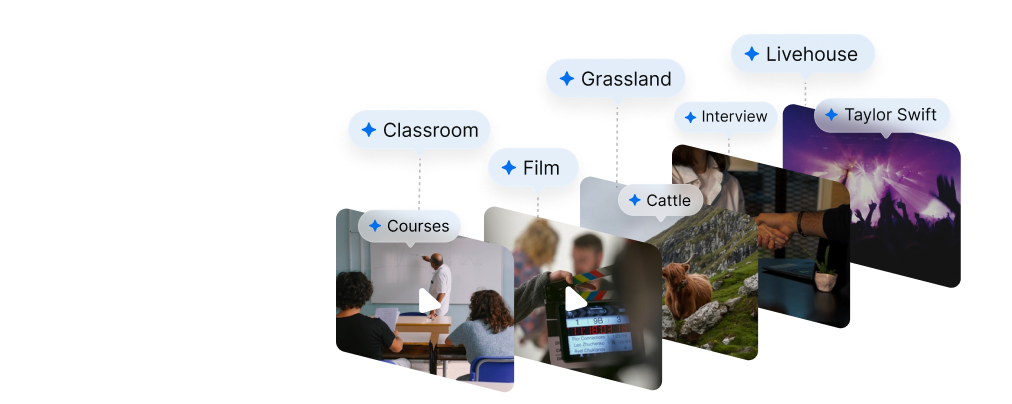
Automatically organize your media with AI-generated tags for faster navigation.
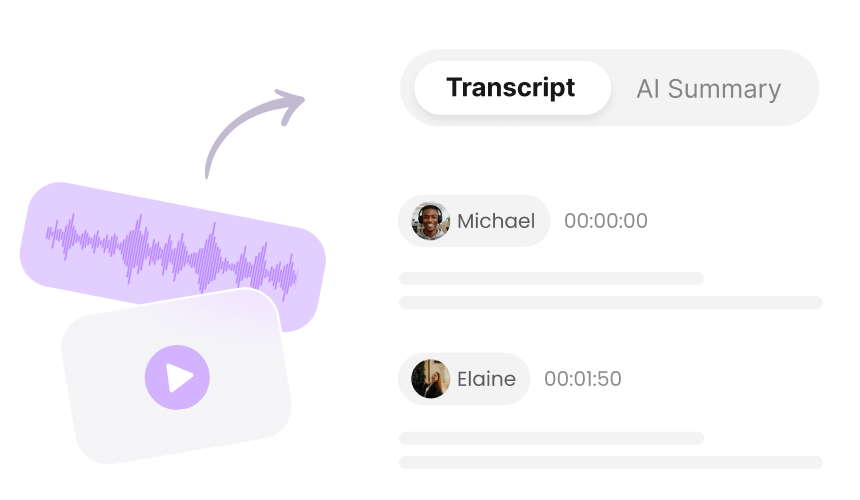
Convert video and audio into accurate transcripts with speaker identification and timestamps.
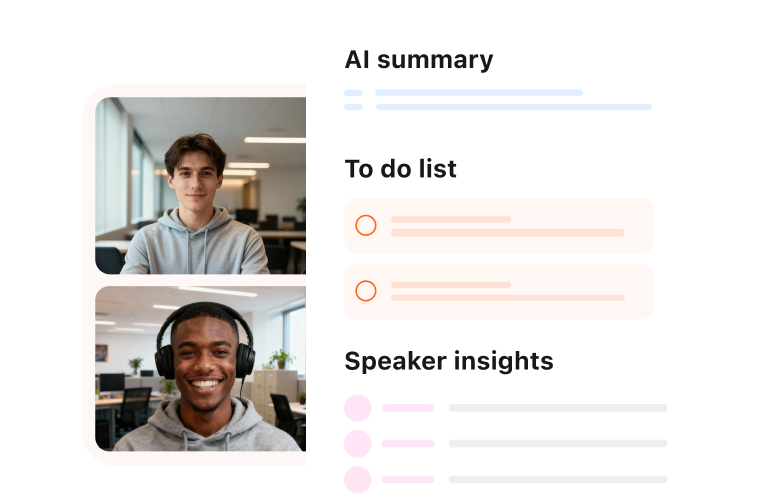
Generate tailored summaries, including overviews, key points, speaker insights and action items, in seconds.
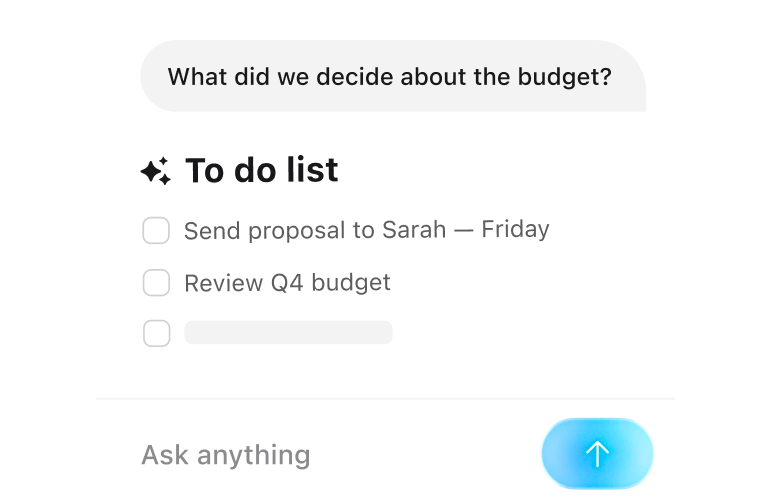
Ask questions about your videos or audio and instantly get precise answers without rewatching them.
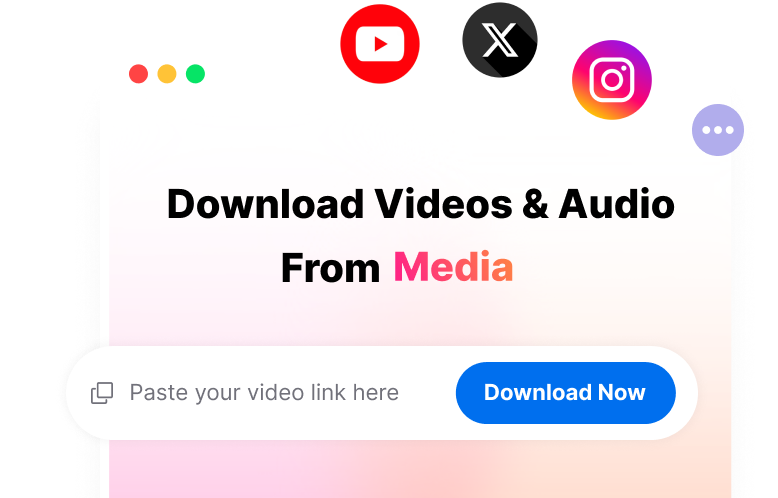
Save videos and audio from popular online platforms like YouTube, Facebook and TikTok.
Whether you're editing videos, creating content, or repurposing existing footage, Clipto AI video editing assistant helps you find the right clips and speed up your entire editing workflow.

Turn hours of interview and podcast footage into polished content faster. Automatically find key moments, remove unnecessary sections, match relevant B-roll, create rough cuts, and add captions without manually searching through every recording.

Turn long-form videos into short-form content for YouTube Shorts, TikTok, and Instagram Reels. Automatically identify highlights, create short clips, and repurpose existing footage without editing the same video from scratch for every platform.

Turn a script, brief, or creative idea into a video using the footage you already have. Let AI find relevant clips, match B-roll, and build a first cut so you can create product videos, promos, and social content faster.

Make hours of educational and recorded content easier to edit and reuse. Find specific topics or moments, capture highlights, create short clips, and turn long recordings into new content without manually reviewing the entire video.

Stop digging through folders to find the footage you need. Search your local video library with natural language, instantly find specific people, scenes, topics, or moments, and get the right clips for your next edit.
