Transcribe Video & Audio to Text

Online video & audio to text converter for generating accurate transcripts with AI summaries in 99+ languages. Start your free trial today.

TrustpilotRated 4.7/5 on Trustpilot
Product Hunt#1 Product of the Month on Product Hunt
Accuracy99% Accurate
Languages99+ Languages
TranslationTranslation
AI SummaryAI Summary

AI-PoweredVideo & Audio Transcription

  • Video and Audio Files to TextVideo and Audio Files to Text
  • Live TranscriptionLive Transcription
  • Speaker Identification & TimestampSpeaker Identification & Timestamp
  • AI-Generated SummariesAI-Generated Summaries
  • 99+ languages Transcription & Translation99+ languages Transcription & Translation
  • 99+ Accuracy99+ Accuracy
  • Flexible ExportFlexible Export

How to Convert Video & Audio to Text

Step 1

Start Transcribing

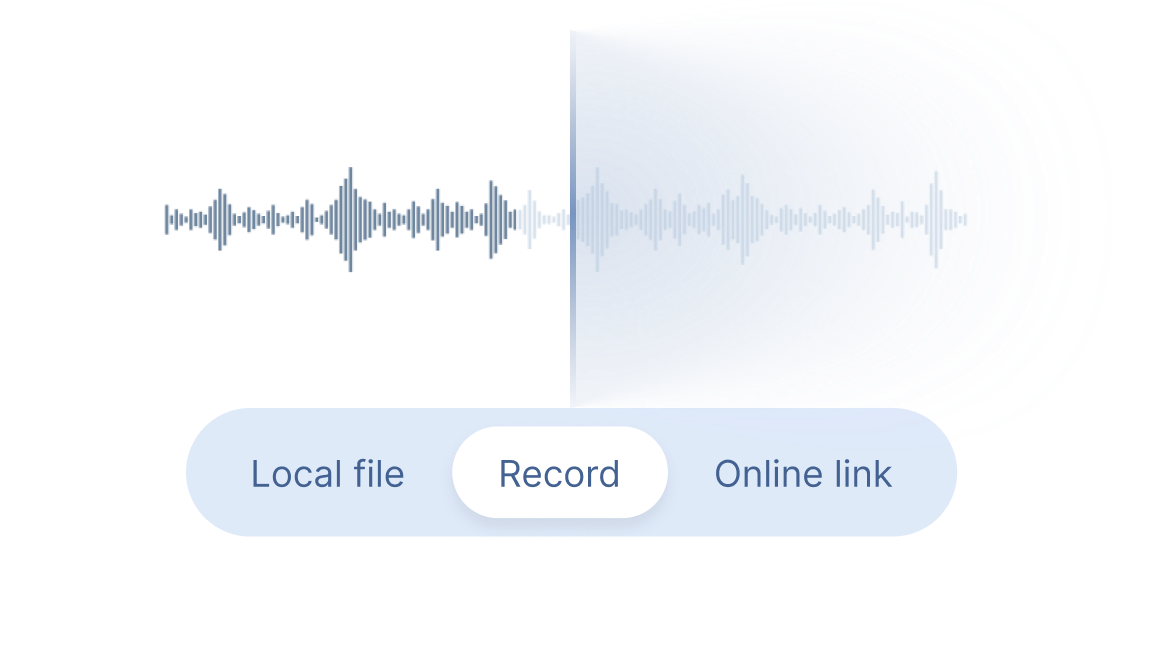
Upload a video or audio file, paste an online link, or record directly to generate video or audio transcripts. Clipto supports MP4, MP3, MOV, AVI, Zoom, YouTube, etc.

Record Banner
Step 2

Get Transcripts

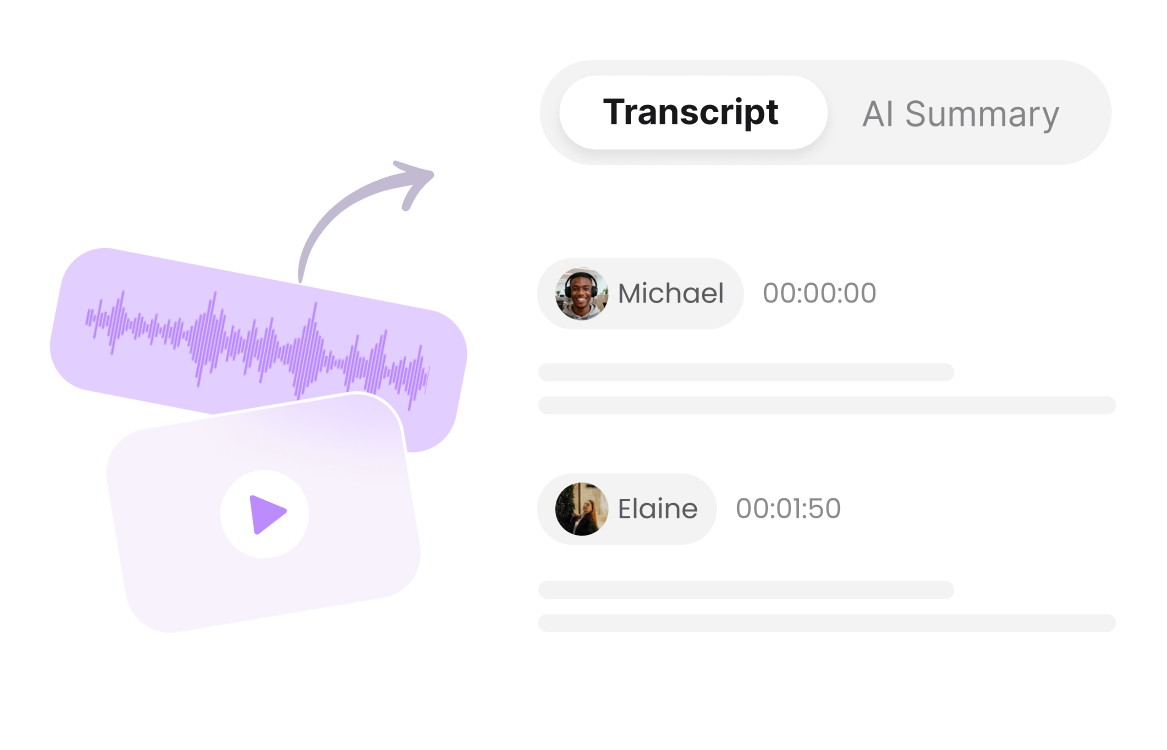
Get searchable transcripts with timestamps, speaker labels, AI summaries and translations in 99+ languages.

Record Banner
Step 3

Download & Share

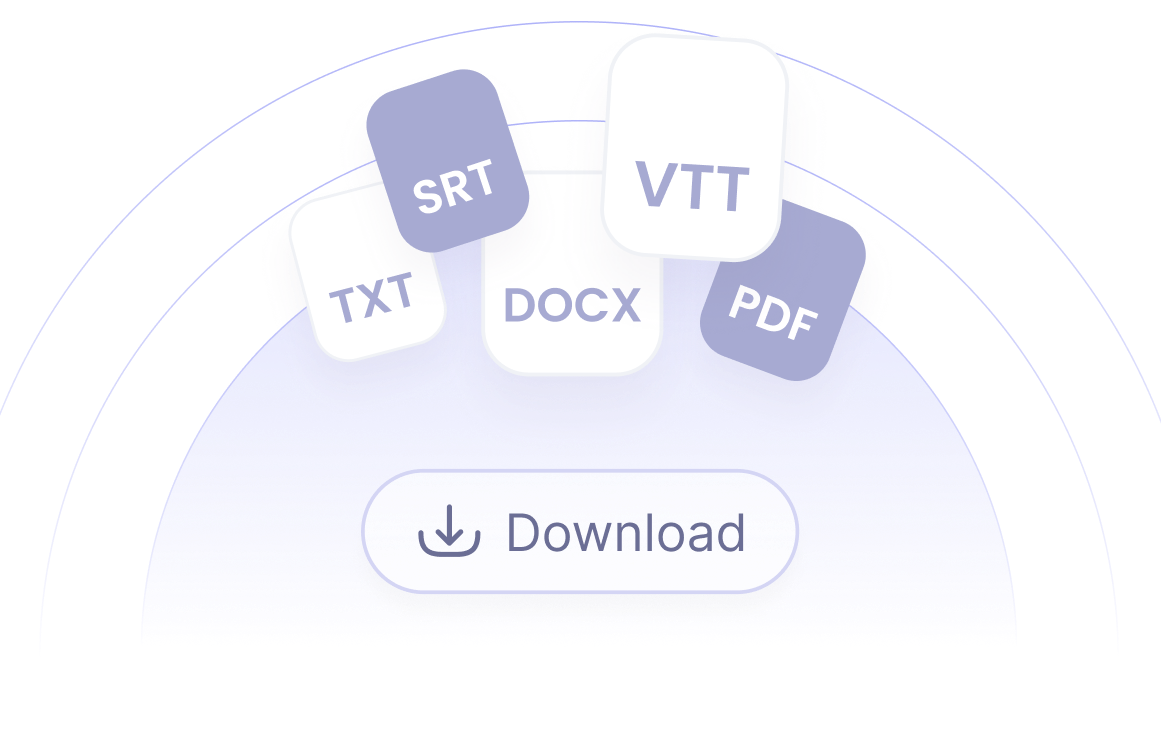
Download your video and audio transcripts as TXT, DOCX, PDF, SRT, or VTT files, and easily share your content with others.

Record Banner

Video & Audio to Text Converter for Different Use Cases

Meetings & Conversations

Convert meetings, calls, and discussions into searchable transcripts with speaker labels, timestamps, and AI summaries.

Interviews & Journalism

Transcribe interviews and conversations into accurate text to find key quotes and create content faster.

Education & Lectures

Transcribe lectures, classes, and online courses into searchable notes with AI-powered summaries.

Creators & YouTubers

Turn videos, YouTube, podcasts and recordings into transcripts, subtitles, and reusable content with AI.

Healthcare Professionals

Transcribe consultations and medical recordings into accurate, organized text for easier review.

Faith & Ministries

Transcribe sermons, Bible studies, and ministry recordings into searchable transcripts with AI insights.

Frequently Asked Questions

How can I transcribe YouTube to text?

You can transcribe YouTube video to text by pasting the video link into Clipto AI video/audio to text converter. Clipto automatically converts the audio and video into accurate text and lets you export the transcript in multiple formats.

How can I transcribe MP4 to text?

Simply upload your MP4 video file to Clipto AI video transcription tool. The tool will extract the audio, transcribe it into text and generate downloadable transcripts in formats like DOCX, TXT or SRT.

How can I transcribe MP3 to text?

Upload your MP3 audio file to Clipto AI Transcription Tool and it will quickly convert MP3 to text. You can also generate summaries, insights and export the transcript in your preferred format.

What types of files can I upload for transcription?

Clipto supports a wide range of video and audio formats, including MP4, MP3, WAV, M4A, MOV, AVI, and more. You can also transcribe content from online sources such as YouTube, Zoom recordings, and other media links.

Does Clipto support multiple languages?

Yes. Clipto supports transcription and translation in 99+ languages. You can convert video and audio content into accurate text across different languages, making it easier to understand and share global content.

Can I transcribe audio and video in real time?

Yes. Clipto supports real-time transcription, allowing you to convert live conversations, meetings, lectures, and recordings into text instantly. Your transcript is generated as you speak, with timestamps and speaker information for easier review.

Can I transcribe video and audio to text offline?

Yes, Clipto Mac or Windows supports offline, on-device transcription for video and audio files. Your files are processed locally, allowing you to generate transcripts, AI summaries,and insights without uploading sensitive content.