

Clipto.AI vs Whisper: A Complete Comparison of Two Speech-to-Text Tools
In the world of podcasts, video editing, interviews and meeting documentation, speech-to-text or transcription tools have become essential.
Today, two names often come up in this space: Clipto.AI, a ready-to-use SaaS transcription platform, and OpenAI Whisper, a powerful open-source automatic speech recognition model.
Both can convert audio or video into text efficiently, but they differ greatly in positioning, functionality, usability and flexibility.
This article presents these differences to help you decide which one fits your needs best.
1. Core Features Comparison
Category | Feature |  |  |
|---|---|---|---|
| Product Type | Product Positioning | Web online tool + Desktop apps (Mac/Windows) | Open-source speech recognition model |
| Usage Mode | Upload audio/video for online transcription | Local deployment / API integration | |
| Target Users | Non-technical users, content creators, enterprises | Developers, AI engineers, researchers | |
| Core Transcription Capabilities | Audio-to-text transcription | One-click automatic transcription | Requires CLI or API usage |
| Video-to-text |  | Requires manual audio extraction | |
| Automatic summary of transcripts | | Not available natively | |
| Accuracy | ~95–99% | ~95–99% | |
| Language & Translation | Multilingual support | 99+ languages | Broad coverage, strong on low-resource languages |
| Automatic language detection | | | |
| Translation (e.g., non-English → English) | | | |
| Intelligent Recognition | Speaker identification | | Not included (requires external model) |
| Timestamp alignment | | Outputs timestamps via API | |
| Output & File Management | Export formats | TXT / PDF / DOCX / SRT / VTT | TXT / JSON / customizable formats |
| Subtitle generation | | Possible via script | |
| Media asset management | Video/audio downloader; Asset extraction & organization | Not provided | |
| User Experience | Interface | GUI-based, no coding required | Command line or code only |
| Integration capability | Works with editing software (Premiere, Final Cut Pro) | Easily embedded into custom systems | |
| Performance & Speed | Processing speed | Fast (minutes) | Depends on local CPU/GPU power |
| Pricing | Pricing model | Subscription-based (7-day free trial);
Annual Plan $8.99/month;Monthly PlanStarts at $9.99 for the first month | Open-source (free) / API pay-per-use |
2. Product Overview and Target Users
Clipto.AIis a service for AI transcription video & audio to text. You can submit a file (audio or video), and Clipto.AI will do the rest - it’ll figure out the speech and create the text or subtitles for you. No technical expertise needed - we made it easy.
Whisperis an open-source ASR model created by OpenAI. It is not a website or an app. Whisper is available as a collection of models that you can run locally or via an API. You can integrate Whisper into your own solutions for greater flexibility, but this also means a steeper learning curve.
3. Core Features Comparison
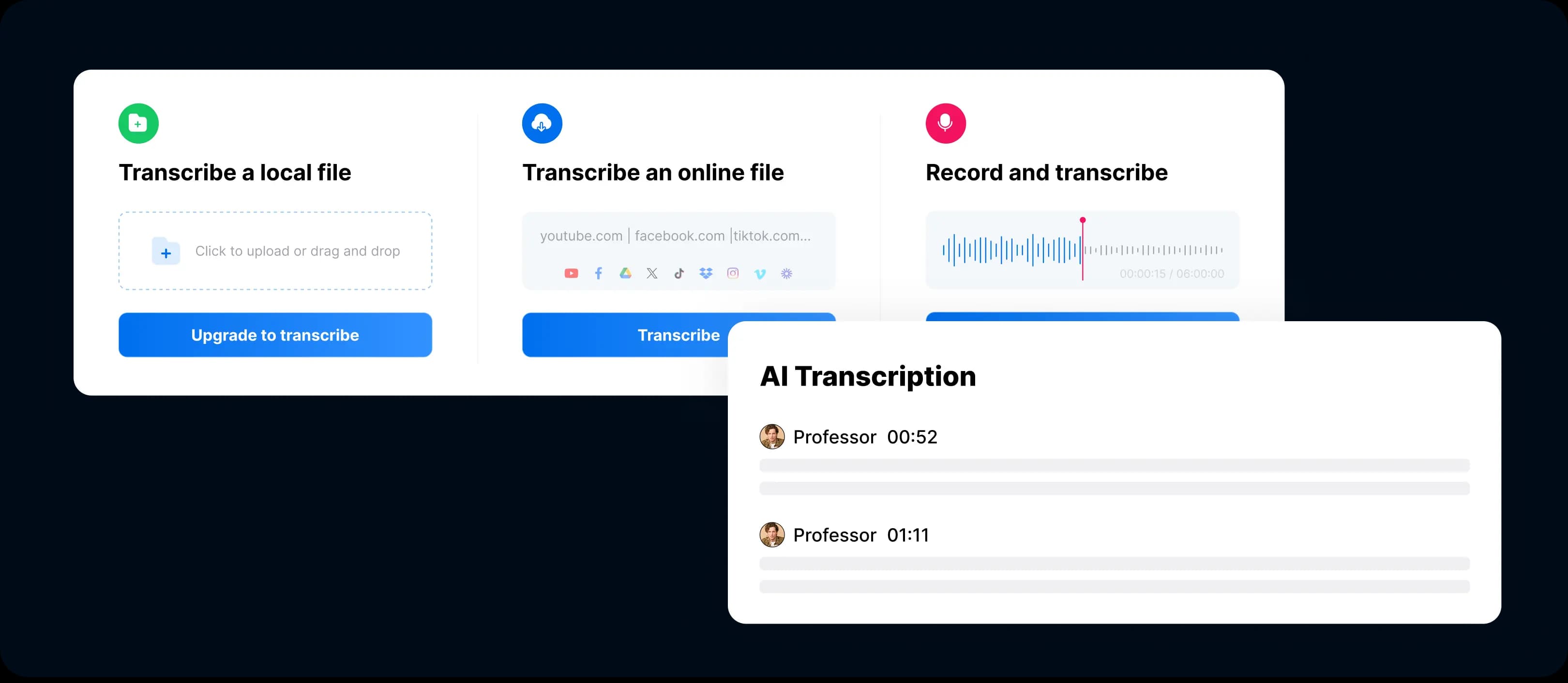
1. Audio and Video Transcription
- Clipto.AIsupports various file types (MP3, WAV, MP4, MOV) and can automatically generate time-stamped subtitles (SRT/VTT).
- Whisperconverts audio to text via command-line or API calls and outputs plain text or JSON, which can be transformed into subtitle formats with scripts.
2. Automatic Transcript Summaries
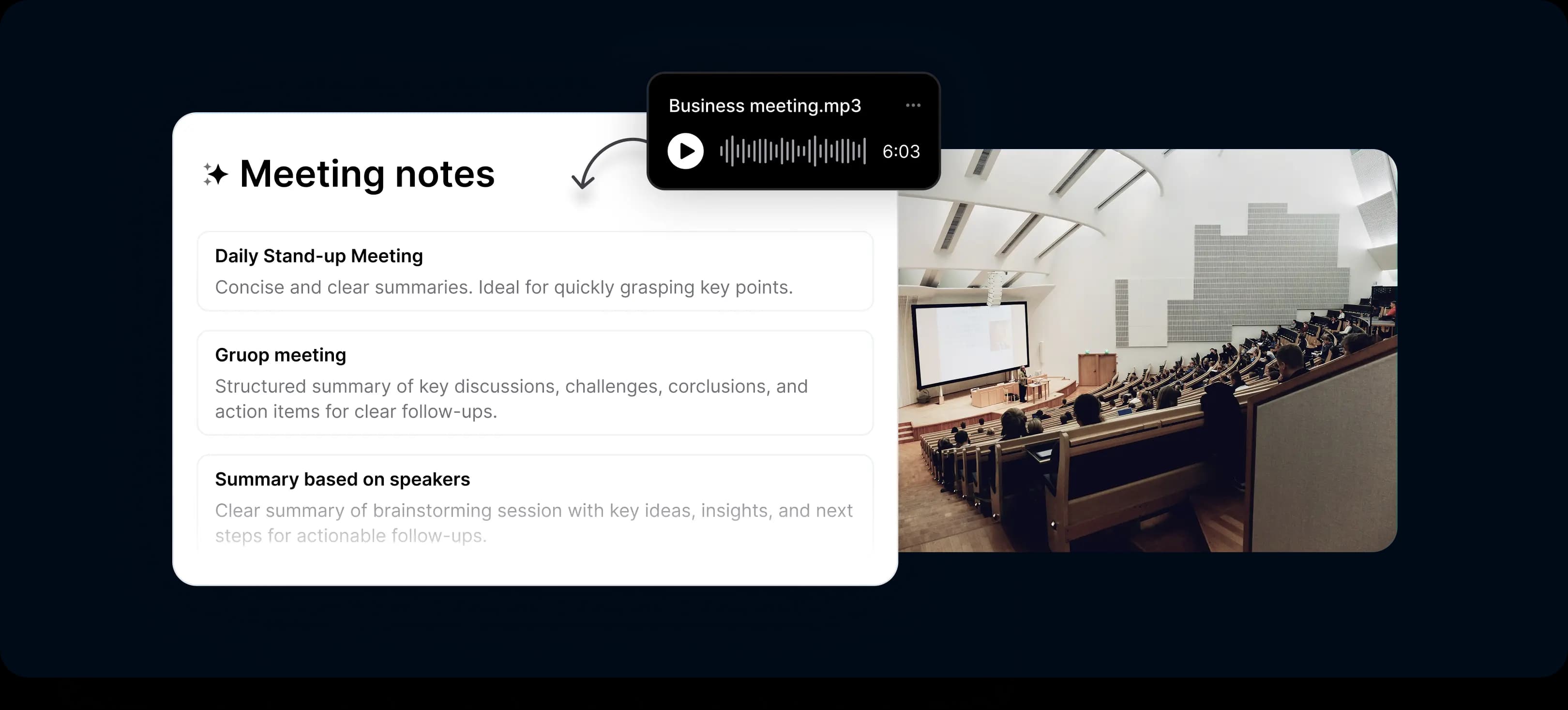
- Clipto.AIcan generate summaries of transcription results automatically. Once Clipto finishes processing the audio or video file, Clipto can create a summary of results containing the most important points, topics, or takeaways by each speaker. This is a great time-saver for journalists, content publishers, and note-takers of meetings who are more interested in summaries than in full transcripts.
- Whisperis an open-source model so it doesn’t include this capability out-of-the-box. However, you can add summarization capabilities to it by adding more models, like GPT or Claude.
3. Multilingual Capabilities
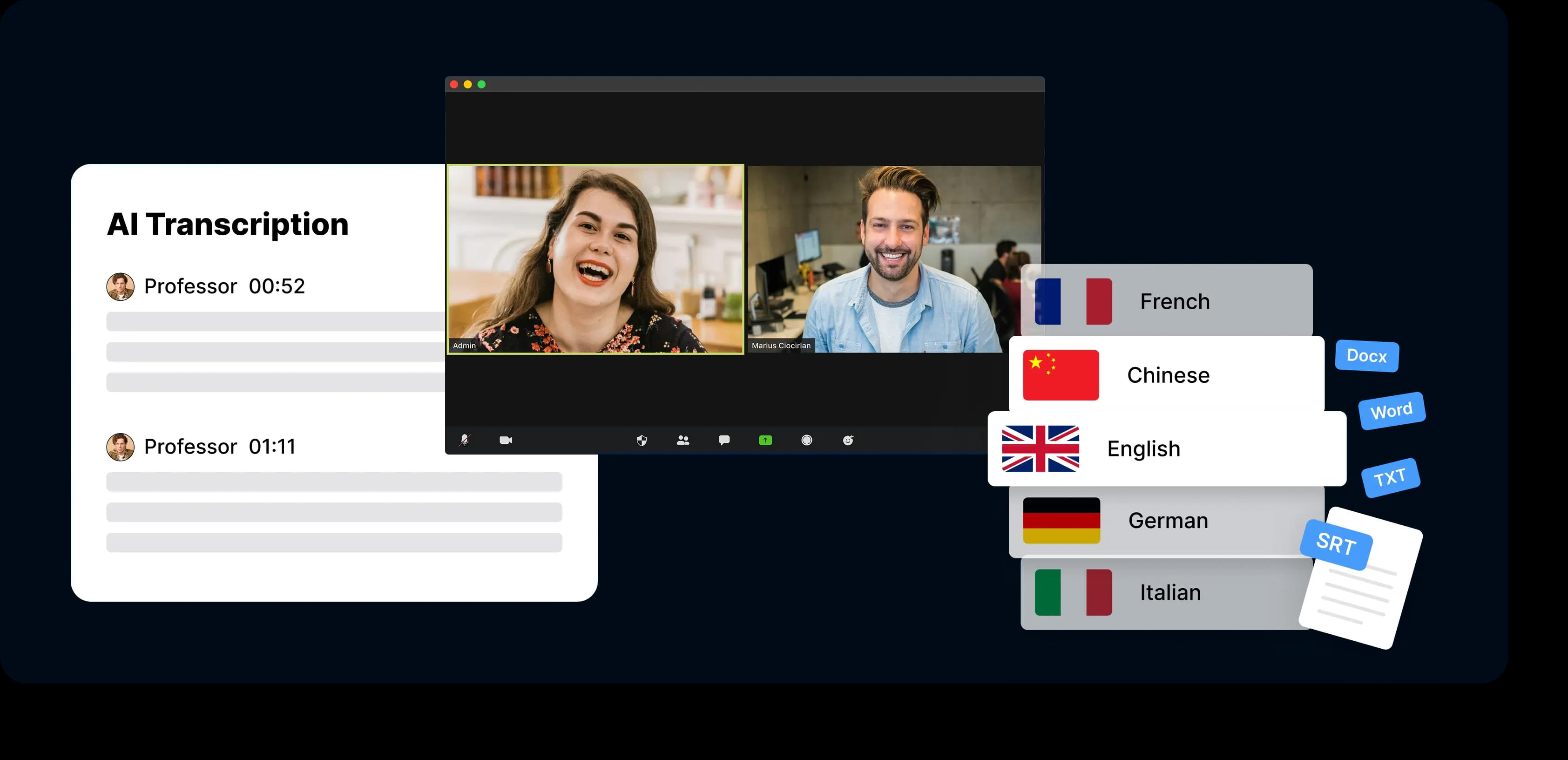
- Clipto.AIclaims to support over 99 languages.
- Whisperwas trained on 680,000+ hours of multilingual and multitask audio data, covering a broader range of languages - including low-resource ones.
4. Speaker Identification
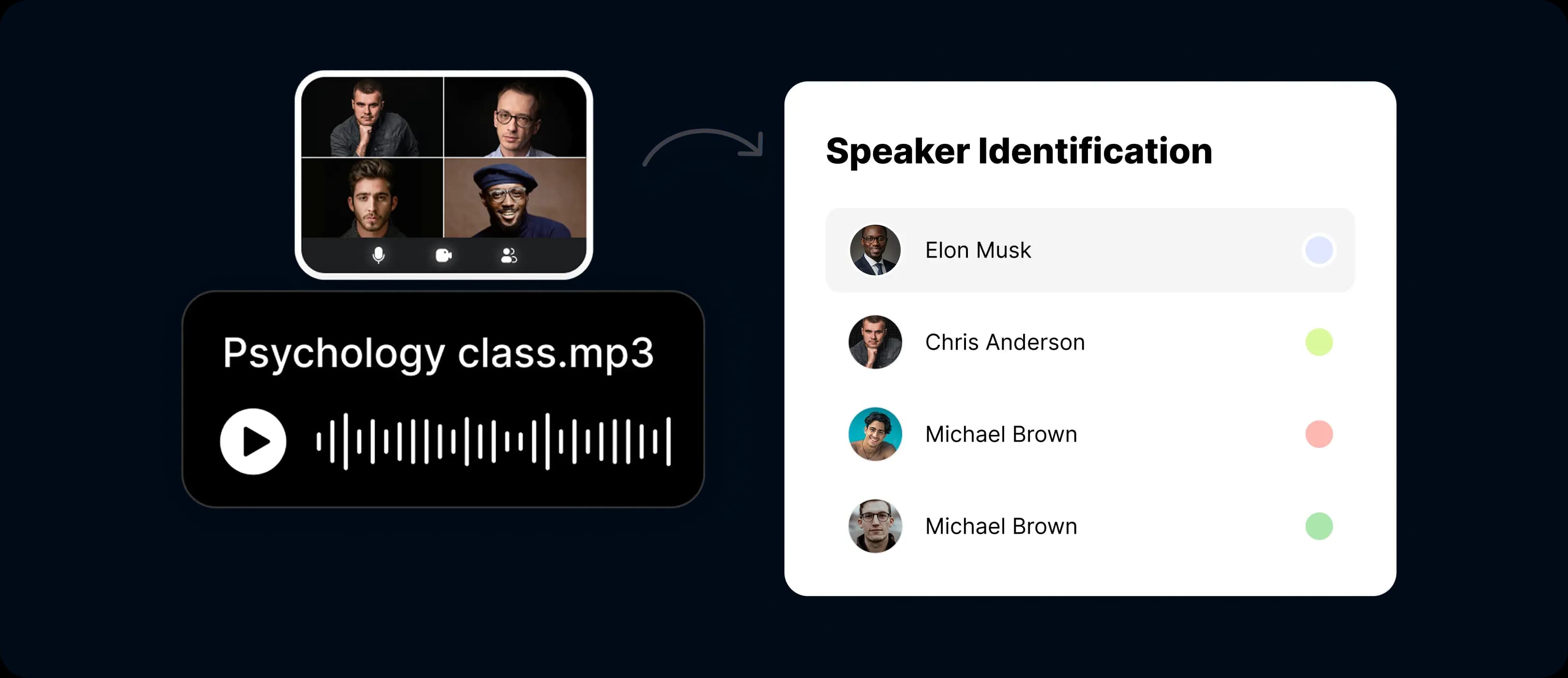
- Clipto.AIincludes built-in speaker identification, automatically distinguishing between multiple speakers.
- Whisperdoes not include this feature natively, but it can be combined with third-party models such as pyannote.audio.
5. Output and Integration
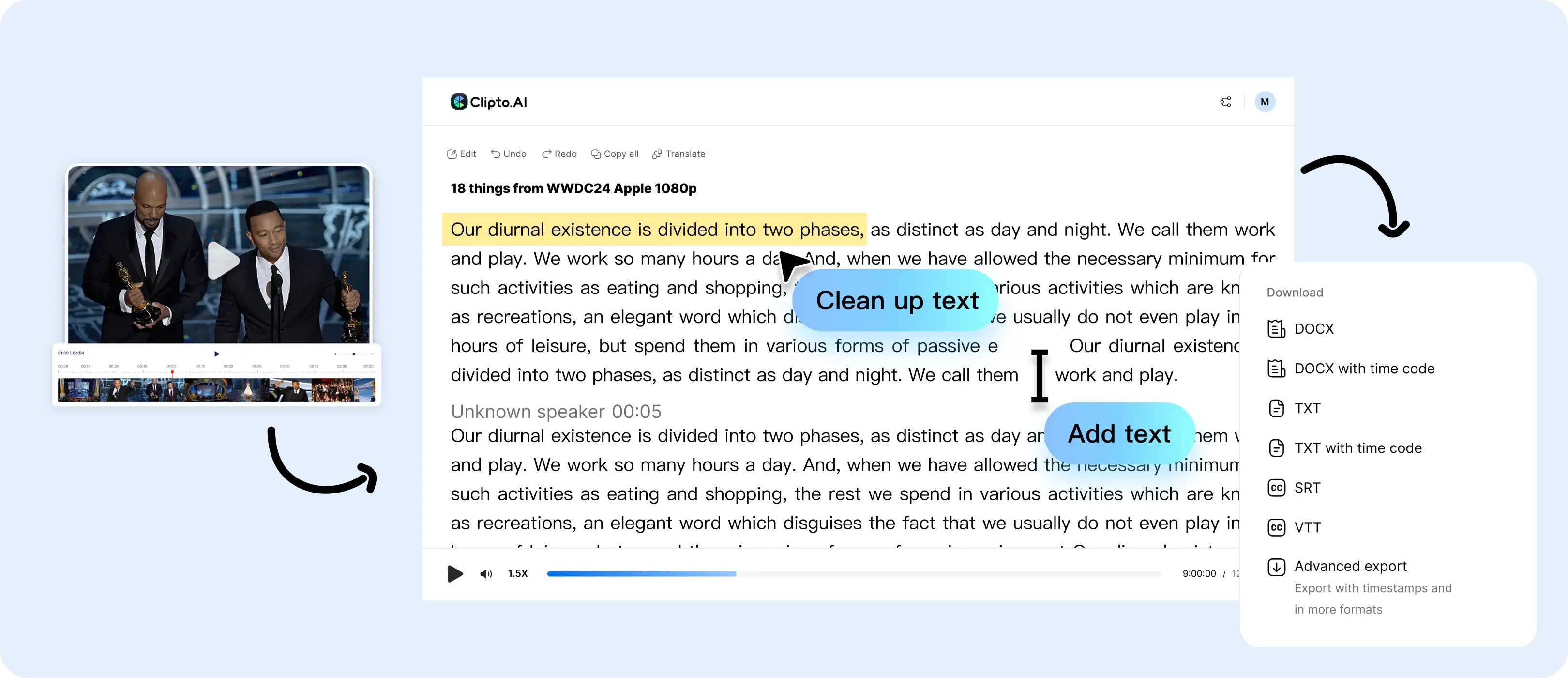
- Clipto.AIlets users export text in multiple formats (TXT, PDF, DOCX, SRT, VTT) and integrates basic video editing and digital asset management tools.
- Whisperoffers flexible output options (text, JSON, timestamps), but formatting and integration require additional coding.
4. Performance: Speed and Accuracy
In practice, both obtain very good accuracy on clean audio. Clipto.AI saves you time by providing cloud infrastructure, while Whisper offers stable software, better control if you have your own boxes.
5. Ease of Use and Workflow Integration
Clipto.AIoffers a graphical web interface that allows users to:
- Upload or link to media (including YouTube, Facebook, TikTok URLs)
- One-click audio/video transcription
- Automatic translation (speech-to-text in other languages)
- Automatic summary generation
- Export subtitles with a single click
Whisperis developer-targeted. You’ll have to install the model, run commands, install things via pip or use an API to integrate it into your own workflow, as part of your enterprise knowledge base, AI assistant, video subtitling pipeline, etc.
6. Pricing and Licensing
If you value convenience and don’t mind subscription fees,Clipto.AIis cost-effective.
If you want full control over your data and costs, Whisper’s open-source model offers greater long-term flexibility.
7. Recommended Use Cases
Scenario | Recommended Tool | Why |
|---|---|---|
| Video creators / podcasters | Clipto.AI | One-click transcription, subtitle export and editing |
| Business meetings / team notes | Clipto.AI | Speaker identification and asset management |
| Academic research / interviews | Clipto.AI or Whisper | Depends on tech skills and setup |
| Voice assistant or product integration | Whisper | High flexibility and open integration |
8. Final Thoughts and Recommendation
Clipto.AIis a ready-to-use transcription tool focused on convenience and accessibility.
Whisper,on the other hand, is a foundational AI model built for flexibility, control and custom development.
If you want quick, effortless results, upload, transcribe and export, go with Clipto.AI.
If you prefer to build your own system, optimize cost, or need advanced multilingual processing, Whisper is the better choice.