

Clipto.AI vs. Transkriptor: Pricing Comparison
Clipto.AI and Transkriptor are fast-growing transcription tools built for different needs.Clipto.AI suits creators, marketers, and podcasters needing fast, accurate transcription for audio and video with easy editing and unlimited use - ideal for YouTube or social media workflows.Transkriptor focuses on team collaboration, offering tools for meeting notes, summaries, and shared documentation, making it great for teams managing internal communication.Clipto.AI offers a simpler, all-access pricing model, while Transkriptor uses a tiered plan based on usage limits. If you want unlimited transcription with full features included, Clipto.AI is more suitable. If you're a light user or prefer team-based plans with usage caps, Transkriptor might be enough.
Core Features Comparison
Product |  |  |
|---|---|---|
| Feature | Clipto.AI - Simple, Unlimited, Professional | Transkriptor – Flexible, Tiered Options |
| Free Plan | 7-day full-feature trial (experience everything upfront) credit card required | Free basic plan – limited to 1 transcription/day, max 30 mins/day |
| Monthly Plan | Starts at $9.99 (first month), then $24.99/month for unlimited use | $19.99/month capped at 2,400 minutes/month |
| Annual Plan | $8.99/month (billed annually at $107.88) – includes UNLIMITED usage | $8.33/month (billed annually at $99.99) – limited to 2,400 minutes/month |
| Team Plan | Coming soon (Clipto.AI focuses on individual power users first) | $30/month per user – includes shared features for teams |
| Transcription Limits | Truly unlimited – no cap on minutes, up to 6 hours per file | Capped: 2,400 minutes (Pro) or 3,000 minutes (Team) per month |
| File Length | Handles long files easily – up to 6 hours each | Not specified |
| Accuracy & Features | Industry-leading accuracy, speaker ID, 99+ translation, and AI features included in all plans | AI summary, recording bot, translation, editing tools |
| Best For | Ideal for professionals, creators, and researchers who need volume and reliability | Great for light users, teams, and casual transcribers |
| Pricing Style | Transparent and straightforward – one plan, full access, no surprise limits | Tiered plans based on minutes and usage caps |
Which Pricing Model Fits Your Workflow Best?
Clipto.AI offers a simple, unlimited plan - $9.99 for the first month, then $24.99/month, or $8.99/month (annual, billed $107.88/year).
No caps and up to 6-hour files, ideal for:
- Professionals with heavy transcription needs

- Researchers, journalists, and creators
- Anyone wanting a flat, transparent rate
Transkriptor uses tiered pricing:
A free plan (1 file/day, 30 min) and paid tiers from $19.99–$30/month, or $8.33/month annually with usage caps (2,400 min/month).
Best for:
- Occasional users with short files
- Teams sharing minutes
- Users fine with limits for lower cost
Clipto.AI vs. Transkriptor: Feature Breakdown
Clipto.AI is more than just a transcription tool — it includes AI summarization, speaker identification, and video downloading in all plans with no paywall separation
Transkriptor covers core transcription needs with useful tools like AI summary and meeting integrations, but some advanced functions may require higher-tier access or come with limitations. If you're looking for an all-in-one content assistant, Clipto offers broader capabilities.
Product | Clipto.AI Built for Power and Simplicity | Transkriptor Flexible but Tiered |
|---|---|---|
| Transcription Limit | Unlimited transcription with no monthly caps | Capped usage depending on plan (e.g. 2,400–3,000 minutes/month) |
| File Length Handling | Handles files up to 6 hours smoothly | File length limit not clearly stated |
| Ease of Use | Intuitive and focused interface — no setup, bots or clutter | May require extra setup, like bots or integrations |
| Video Editing Integration | Direct export to Premiere Pro and Final Cut Pro; editable by transcript | No direct integration with video editing tools |
| Content Creator Tools | “Light Cut” feature lets you edit by removing text from transcripts | No equivalent text-based editing feature available |
| Privacy and Offline Use | Browser and desktop appwith local AI processing — no cloud needed | Web and mobile app |
| Initial Use | Quick start with short transcription (under 30 minutes), no credit card needed | Free plan available with no credit card needed |
| Subscription Simplicity | One plan includes all features — no surprises | Tiered pricing — features and limits vary by plan |
| Best For | Professionals, researchers, content creators and privacy-conscious users | Light users, casual note-takers or teams with fixed budgets |
Clipto.AI Features
Clipto.AI is built for users who need speed, flexibility, and intelligent tools. Key features include:
Unlimited AI Transcription
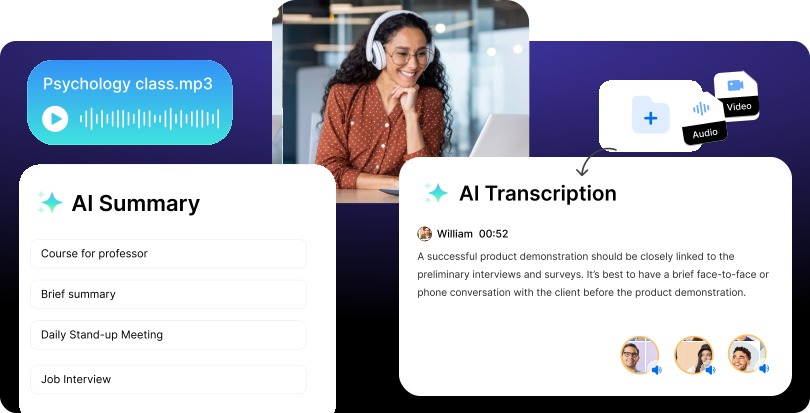
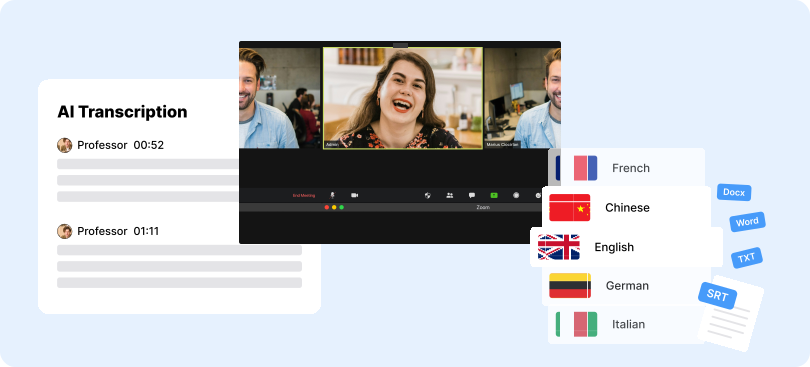
Clipto.AI delivers 99%+ accurate transcription in 99+ languages and supports MP3, MP4, and WAV. Upload files or paste YouTube, Instagram or TikTok links for instant processing. All paid plans include unlimited transcription for files up to 6 hours long with no monthly caps.
Speaker Identification
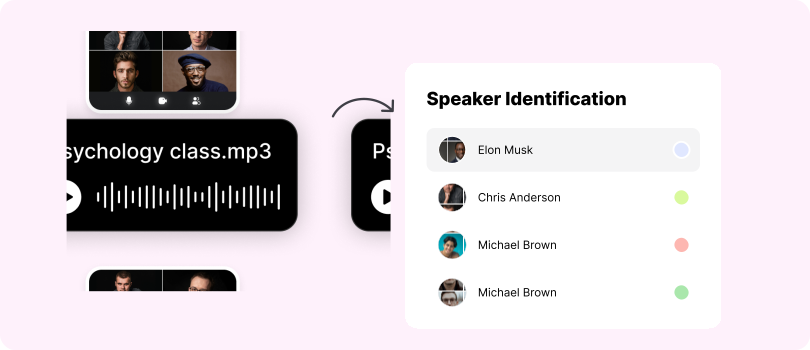
Clipto.AI automatically labels different speakers in transcripts, making interviews, meetings, and podcasts easier to follow. Users can also build a custom voice library for frequent speakers, improving accuracy and saving time.
AI Summary
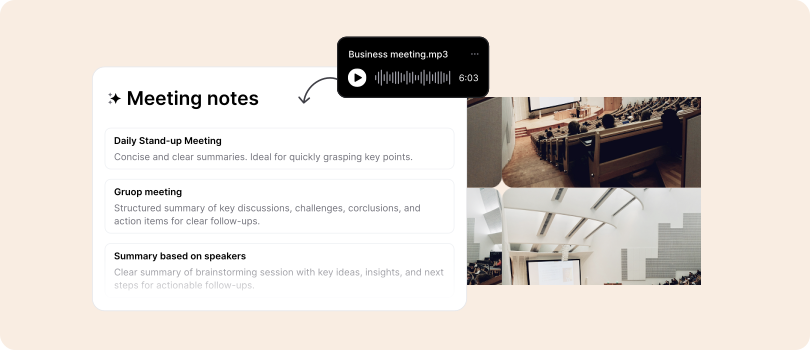
The built-in AI summarizer generates concise overviews of long recordings with one click. Perfect for students, professionals, and creators who need quick takeaways or want to repurpose spoken content into blogs, captions or posts, saving time and boosting productivity.
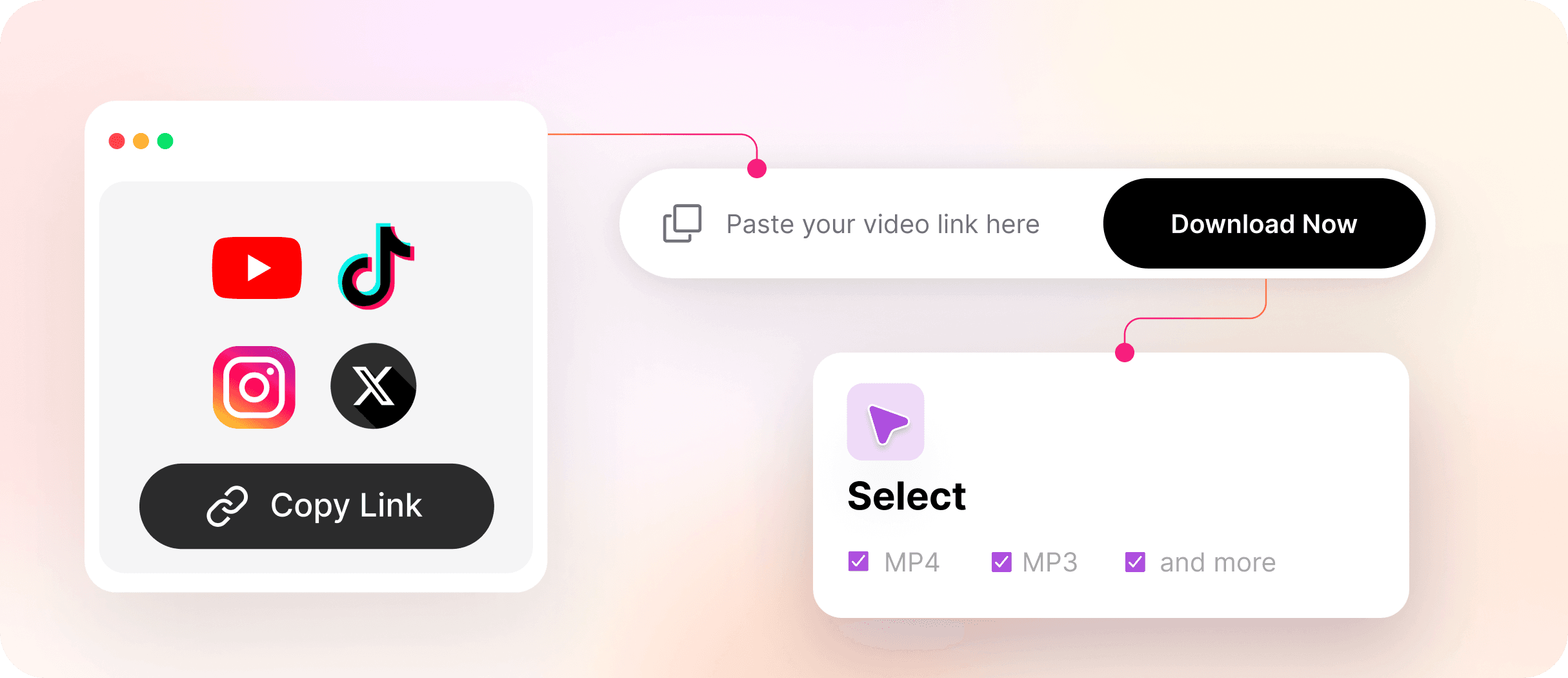
Video Downloader (YouTube, Instagram, TikTok and more)
Clipto.AI streamlines your entire content workflow with an integrated video downloader. Simply paste a link from YouTube, Instagram, or TikTok to fetch, transcribe and summarize.
Unlimited Editing and Export
After transcription, Clipto.AI lets you freely edit speakers, text and timestamps, with unlimited exports. Supports TXT, SRT, DOCX, plus direct integration with Premiere Pro and Final Cut.
Transkriptor Features
Transkriptor offers a straightforward transcription experience for students, professionals, and teams, focusing on meeting transcription and productivity.
AI Transcription
Converts speech to text with solid accuracy - ideal for notes, research, and meetings. Accuracy depends on audio quality but is reliable for standard recordings.
AI Summary
Paid plans include auto summaries that condense transcripts into key points; not available in the free tier.
Recording Bot
Integrates with Zoom and Microsoft Teams, joining calls to record and transcribe meetings automatically - great for business users.
Editing Tools
Built-in editor allows quick text adjustments and exports in multiple formats.
Mobile & Web Access
Available via mobile app and web, enabling transcription across devices.
Tiered Features
Advanced tools - like summaries, longer files, and custom exports - are limited to higher-tier plans.
Clipto.AI vs. Transkriptor: Which Tool Is Right for You?
Choose Clipto.AI if:
You need more than transcription - Clipto.AI streamlines your workflow with unlimited transcription, AI summaries, speaker detection, video downloads, and exports compatible with Premiere Pro and Final Cut.
Ideal for creators, podcasters, marketers, and researchers handling long-form audio or video who want to organize, summarize, and repurpose content efficiently.
By combining transcription, summarization, and media tools, Clipto.AI saves time and keeps everything in one platform - no add-ons or upgrades required.
Choose Transkriptor if:
You mainly need to transcribe meetings or short recordings. Its Zoom and Teams integrations help capture virtual calls, and it works well for note-taking or academic tasks. Just keep in mind that some features are limited to higher-tier plans, and usage caps may apply.