

Clipto vs. Notta: Feature Breakdown
Clipto vs Notta is a common matchup for anyone choosing an AI transcription tool. Both offer accurate speech-to-text but take different paths: Notta focuses on business meetings and integrations, while Clipto keeps it simple with unlimited transcription, built-in subtitles, and a clear flat-rate plan.
Core Features Comparison
Feature |  |  |
|---|---|---|
| Transcription Accuracy | 99% accuracy, robust even in speaker-heavy audio | High accuracy, but may vary depending on audio quality |
| Language Support | 99+ languages + auto-detection + translation | 58 languages + bilingual transcription |
| Speaker Identification | Advanced speaker labeling & recognition library | Limited support |
| File Length Limit | 6 hours max per file | 5 hours max per file |
| Usage Limits | Unlimited transcription (no monthly file caps) | Caps based on plan |
| Summaries & AI Notes | Concise AI summaries of transcripts | Strong meeting summaries with action items |
| Live Meeting Support | Not focused on online meetings, but records audio directly on the platform | Zoom/Google Meet/MS Teams/Webex transcription |
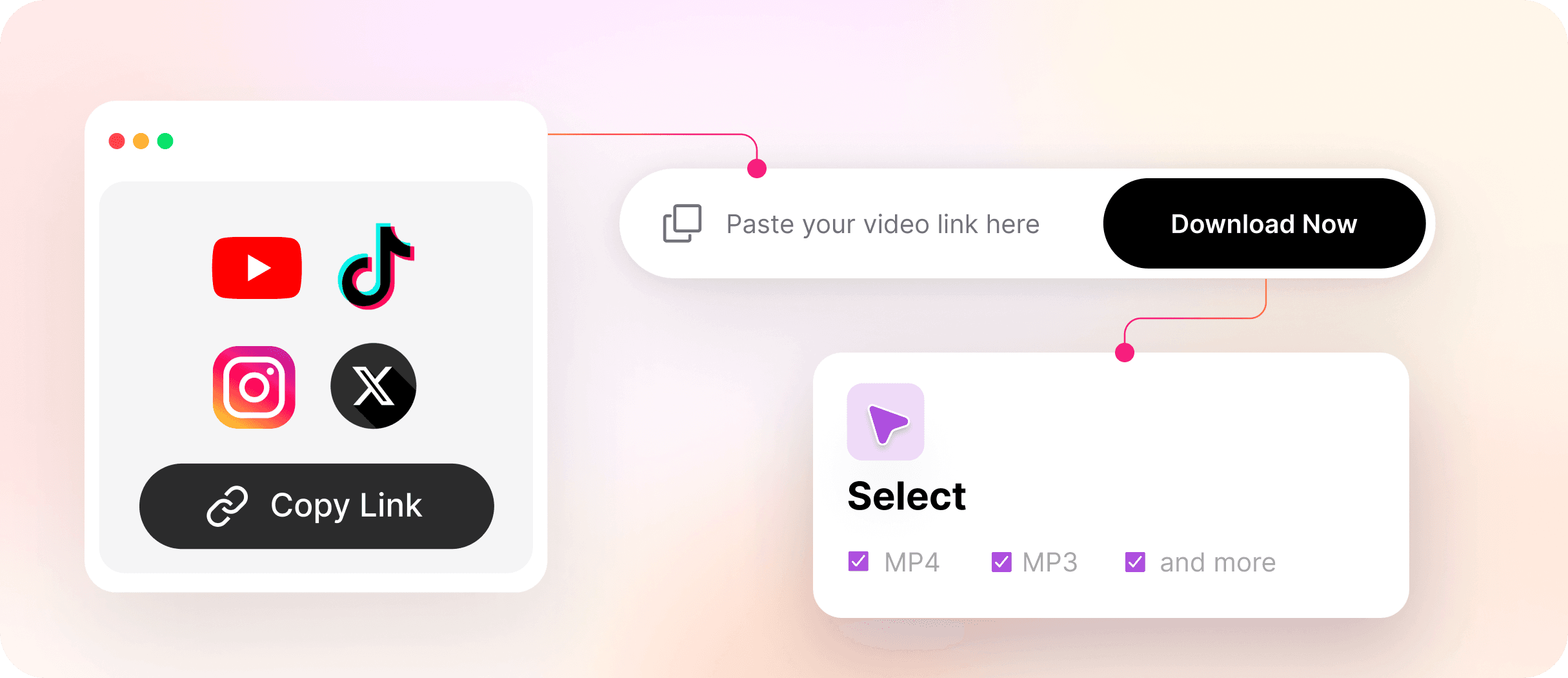
| Integrations | Direct URL import (YouTube, TikTok, Instagram), plus file uploads | Google/Outlook Calendar, Slack, Notion, Salesforce, Zapier, and more for meeting transcription. |
| Export Options | TXT, DOCX, PDF, SRT/VTT, plus compatibility with Adobe Premiere Pro and Final Cut Pro. | TXT, DOCX, PDF, SRT/VTT |
| Platform Support | Web + macOS app | Web + Chrome extension + mobile app |
| Ease of Use | Clean, beginner-friendly, very fast processing | Rich but more complex (business-oriented) |
| Extra Utilities | Built-in video downloader, lightweight media tools | AI Chat on transcripts, calendar scheduler |
Clipto Key Features
AI Transcription with Translation
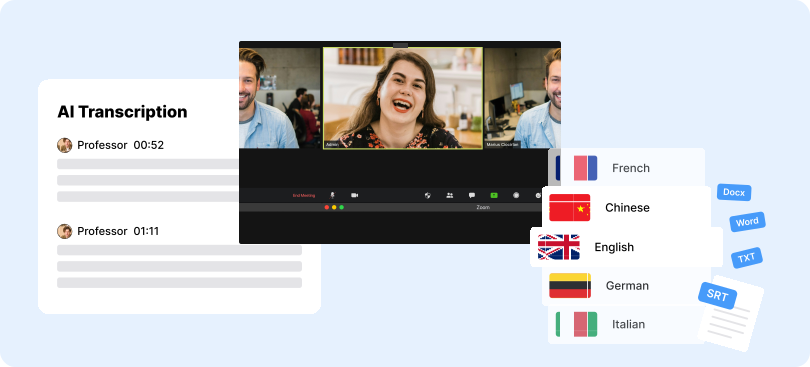
Clipto offers highly accurate transcription in 99+ languages with automatic detection and instant translation. It’s ideal for multilingual projects and global teams.
Unlimited Length & File Capacity
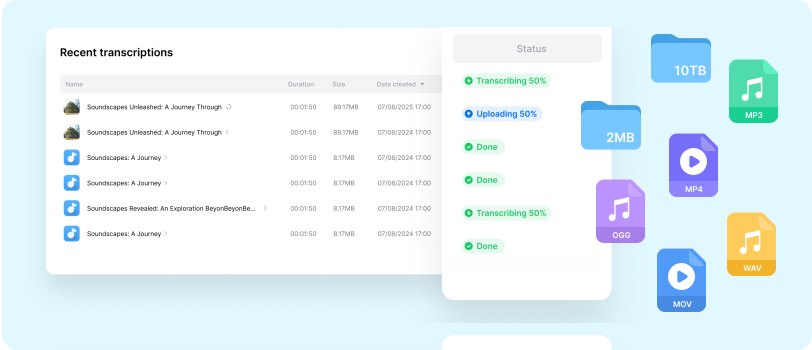
Subscribers enjoy no usage limits - each file can be up to six hours long, making Clipto perfect for lectures, interviews, and other extended recordings.
Speaker Identification
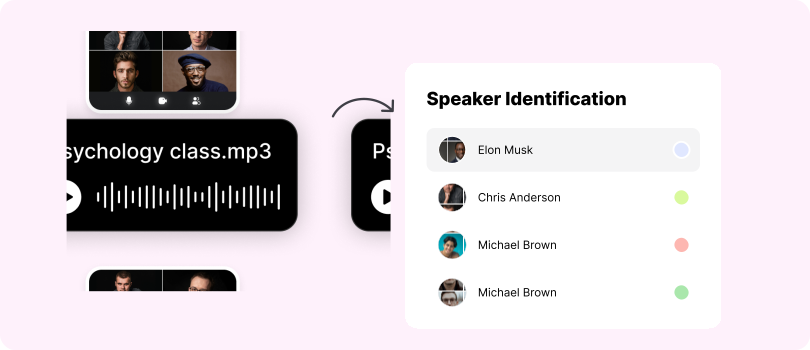
Clipto automatically detects and labels speakers with high accuracy. Its “voice library” improves recognition of recurring voices over time.
AI-Generated Summaries
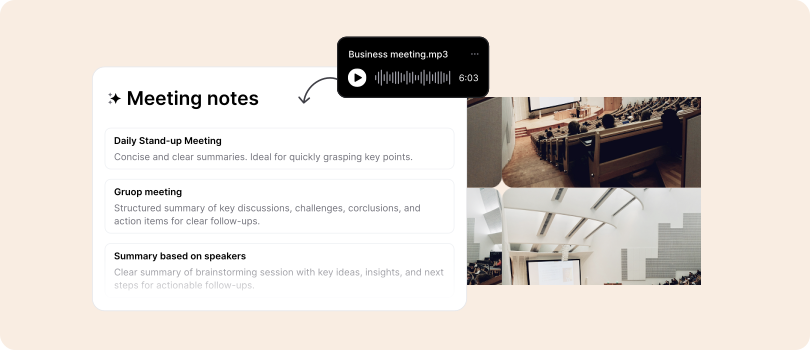
Concise AI summaries highlight key points, helping users quickly grasp essential ideas without reading full transcripts.
Ease of Use and Workflow Support
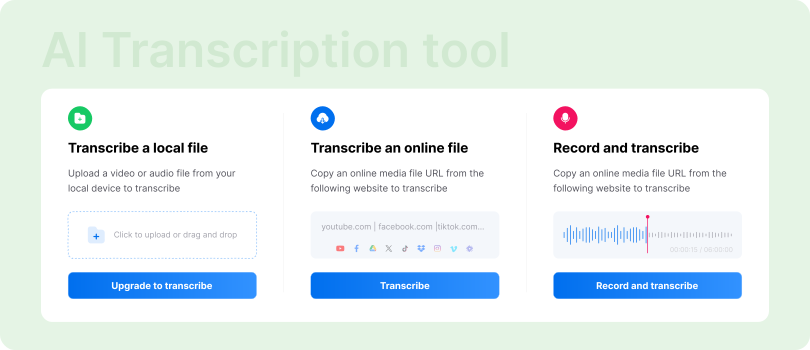
Clipto’s clean interface is fast and beginner-friendly. A 30-minute file typically processes in under a minute, supporting MP3, WAV, and MP4 formats.
Other Core Features
Built-in video downloader and Deepfinder AI Search let users save media and search across transcripts by keywords, sentences, faces, or scenes - making Clipto a complete media and transcription assistant.
Notta Key Features
Live Meeting Transcription and Recording
Notta delivers real-time meeting transcription, auto-joining Zoom, Google Meet, Teams, and Webex sessions. It provides live captions and transcripts, plus a Chrome extension for instant captions.
Multi-Language Support
Transcribes in 58 languages with bilingual support and in-app translation for global teams.
Meeting Summaries and Notes
AI summaries capture key points, actions, and decisions—making long meetings easy to review.
Collaboration and Editing Tools
Add highlights, comments, and timestamped notes. Shared workspaces support collaboration, snippet sharing, and export to TXT, PDF, DOCX, or subtitles (SRT/VTT).
Productivity and Workflow Integrations
Syncs with Google/Outlook calendars to auto-join meetings and integrates with Slack, Notion, Zapier, Salesforce, and HubSpot. AI Chat enables quick, context-aware transcript queries.
Clipto vs. Notta: Pricing Comparison
Plan | Clipto | Notta |
|---|---|---|
| Free | 2 free transcriptions (30 mins each) or a 7-day free trial. | Free – 120 min/month, 50 uploads, 10 AI summaries |
| Individual | $24.99/month (promo $9.99 first month) or $107.88/yr ($8.99/month). Unlimited transcription, AI summaries, 4K downloads. | $14.99/month or $98/yr (~$8.17/month). Capped at 1,800 min/month and 5-hr max recordings. |
| Business | Business & Enterprise plan coming soon; users subscribe individually for now. | $27.99/month per user or $199.99/yr per seat. |
| Enterprise | Same as Business – plan in development. | Custom pricing, 51+ seats, advanced admin/security |
| Extras | All features are included in one plan | Paid add-ons (translation, bilingual transcription) |
Clipto vs. Notta: Which AI Transcription Tool Is Better for You?
Clipto is a no-limits transcription and subtitling powerhouse. Instead of branching into enterprise dashboards and IT admin features, Clipto zeroes in on what most people actually need: fast, accurate, unlimited transcription at a flat, predictable cost.
Key highlights:
- Unlimited transcription: No per-minute billing, no 1,800-minute caps like Notta. One flat rate unlocks everything.

- User-first focus: Built for YouTubers (SEO subtitles), students (lecture notes), journalists, (podcasters), and small business owners.
- Pro-level reliability: Trusted by professionals and brands like Netflix and Disney.
- All-in-one features: Accuracy, 99+ language support,translation speaker identification, video downloader—all included with no add-ons.
✅ Why people pick Clipto: Simplicity and value - one payment for full access, no hidden tiers or limits.
Notta, meanwhile, targets meeting-heavy teams with enterprise-focused features.
Key highlights:
- Enterprise-ready: Business and Enterprise tiers with SSO, admin tools, and compliance options.
- Corporate adoption: Lists companies like Salesforce and PwC among its users.
- Productivity ecosystem: Scheduling, CRM integrations, and AI chat on transcripts.
- Global footprint: Headquartered in Tokyo, supporting multiple languages worldwide.
⚠️ Where Notta struggles: Billing complexity, slower support, and restrictive limits make it less ideal for individuals or creators compared to Clipto’s unlimited model.