
Looking for an easy way to convert YouTube to MP3 for free? Whether you want to save music, podcasts, or other audio content, the right YouTube to MP3 converter can help you extract audio from YouTube videos quickly. In this guide, we’ll introduce the 10 best free YouTube to MP3 converters and show you how to convert YouTube videos or links to MP3 step by step, so you can find the method that works best for you.
Part 1. 10 Best Free YouTube to MP3 Converters
1. Clipto YouTube to MP3 Converter
Free online Clipto YouTube converter that lets you convert videos and audio from popular websites, including YouTube to MP3. With a clean, ad-free interface, it offers a straightforward way to convert supported media without distracting pop-ups or unnecessary steps.
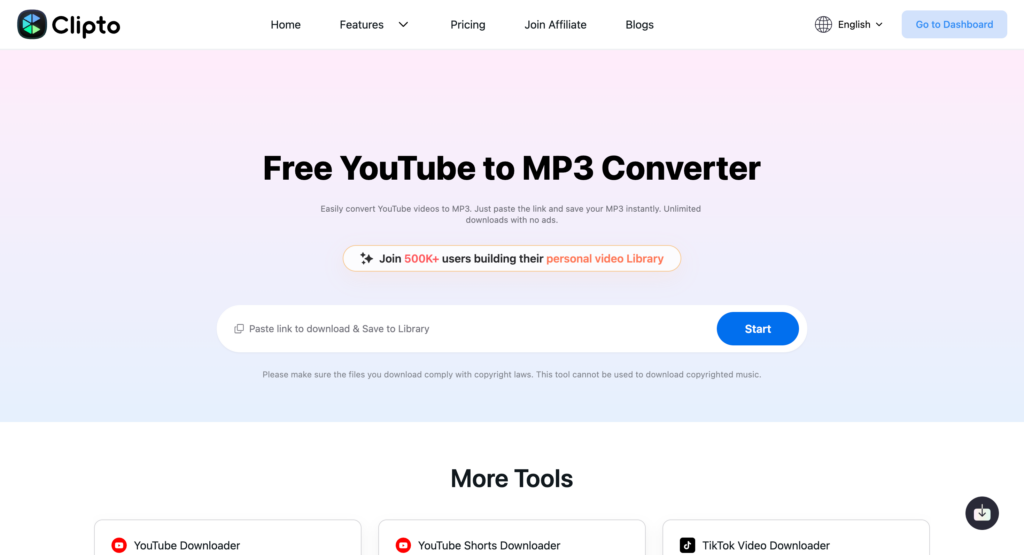
Beyond media conversion, Clipto also offers AI-powered features such as video/audio transcription and video summarization.
Best for: Users who want a free, ad-free YouTube to MP3 converter with additional AI transcription and summarization features.
2. Y2Mate YouTube to MP3 Converter
Y2Mate is a web-based YouTube converter that lets users convert supported video links into audio or video formats directly in a browser. Its straightforward interface makes it convenient for users who prefer to turn YouTube to MP3 without additional software.
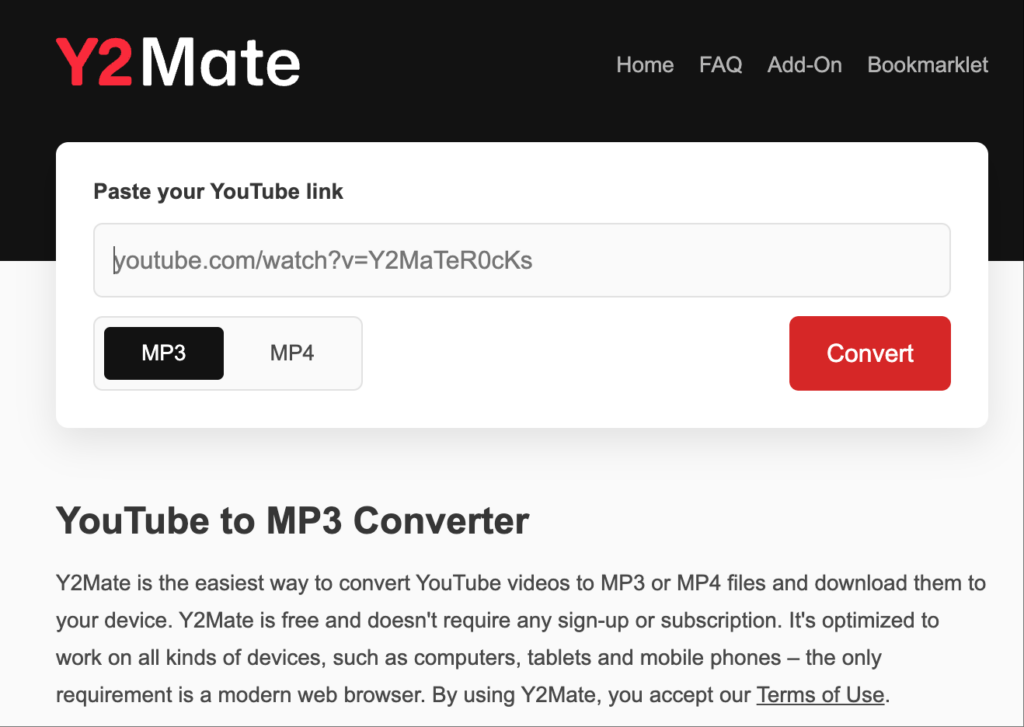
Best for: Users looking for a browser-based conversion tool without installing desktop software.
3. YTMP3 YouTube to MP3 Converter
YTMP3 is an online converter designed to make YouTube video conversion simple. Users can paste a supported video link and select an available output format. Its minimal workflow makes it suitable for people who want a quick way to extract audio from online videos, including YouTube to MP3.
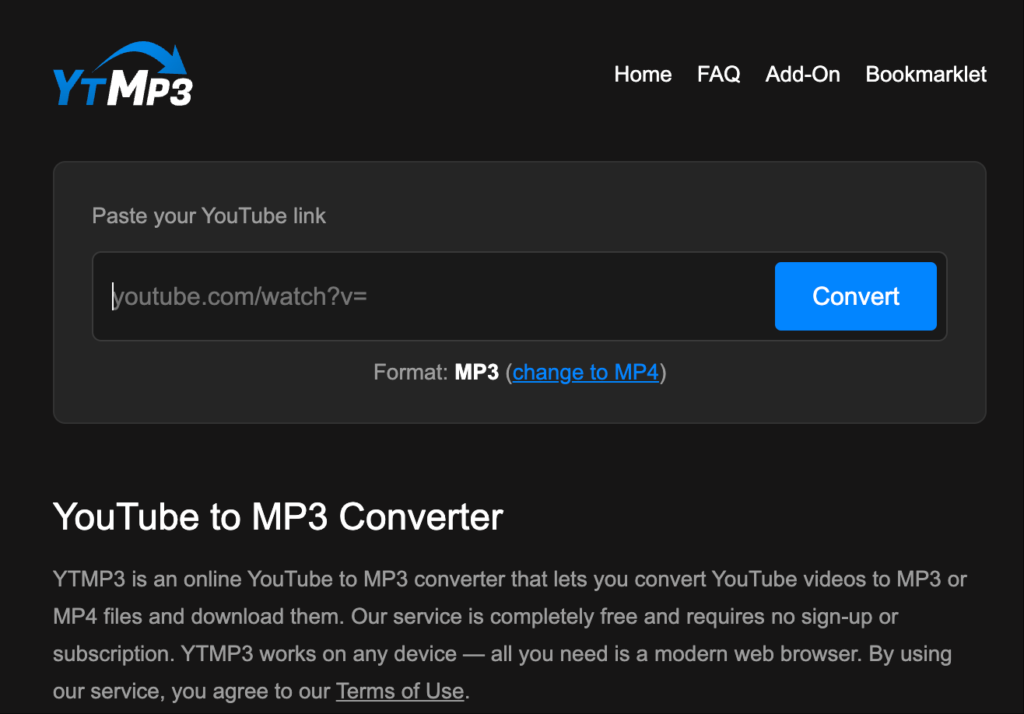
Best for: Users who prefer a simple, quick conversion process.
4. TurboScribe YouTube to MP3 Converter
TurboScribe is an AI transcription tool that converts audio and video into text. Rather than focusing on downloading YouTube to MP3 files, it is designed for users who want searchable transcripts of interviews, lectures, podcasts, and other recordings. It can be a useful alternative when your goal is to work with the spoken content of a video.
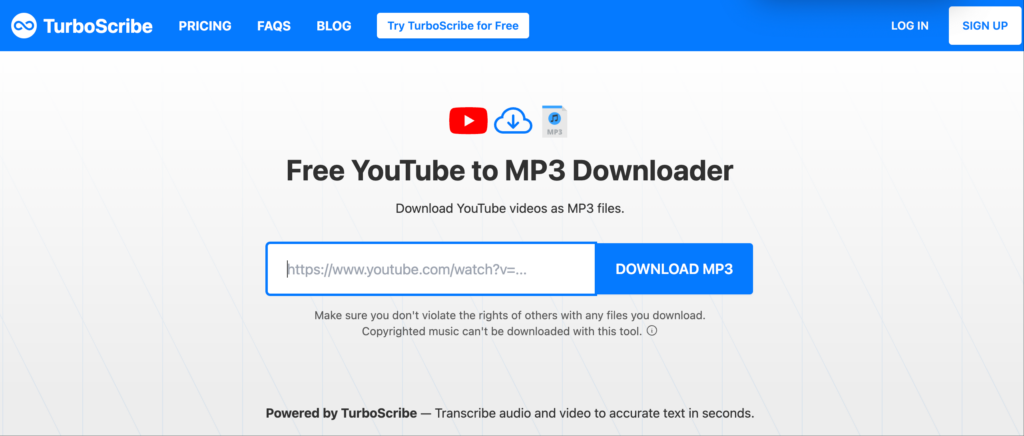
Best for: Users who want to transcribe YouTube content and turn spoken audio into searchable text.
5. AudioConverter.ai YouTube to MP3 Converter
AudioConverter.ai focuses on AI-powered audio processing and conversion. Depending on the supported input formats and available features, it may help users convert audio files into formats suitable for different playback or editing needs. Check its current YouTube URL support before using it as a direct YouTube to MP3 converter.
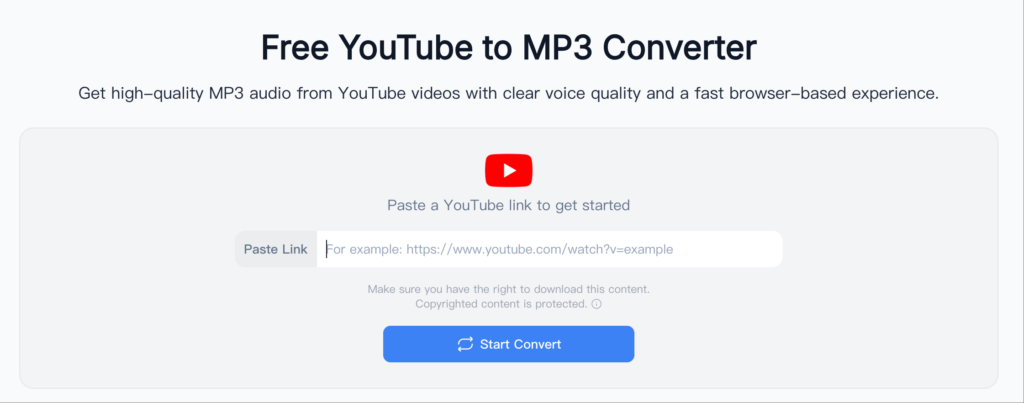
Best for: Users looking for online audio conversion tools.
6. 4K Video Downloader YouTube to MP3 Converter
4K Video Downloader is a desktop application that lets users extract audio from supported online video links and save it in audio formats such as MP3. It is a useful option for users who regularly convert videos, process playlists, or prefer working with a dedicated desktop tool rather than a browser-based converter.
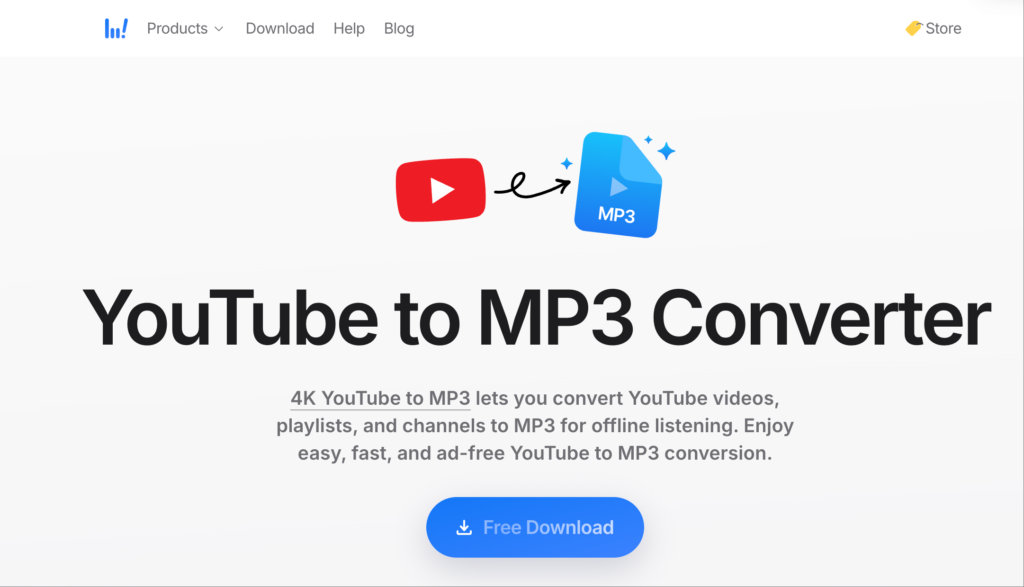
Best for: Users who want desktop audio conversion and playlist support.
7. MediaHuman YouTube to MP3 Converter
MediaHuman YouTube to MP3 Converter is a desktop tool designed to extract audio from supported YouTube links. It offers features for managing downloaded audio, including playlist processing and audio metadata support. Its straightforward interface makes it suitable for users who frequently save and organize audio content.
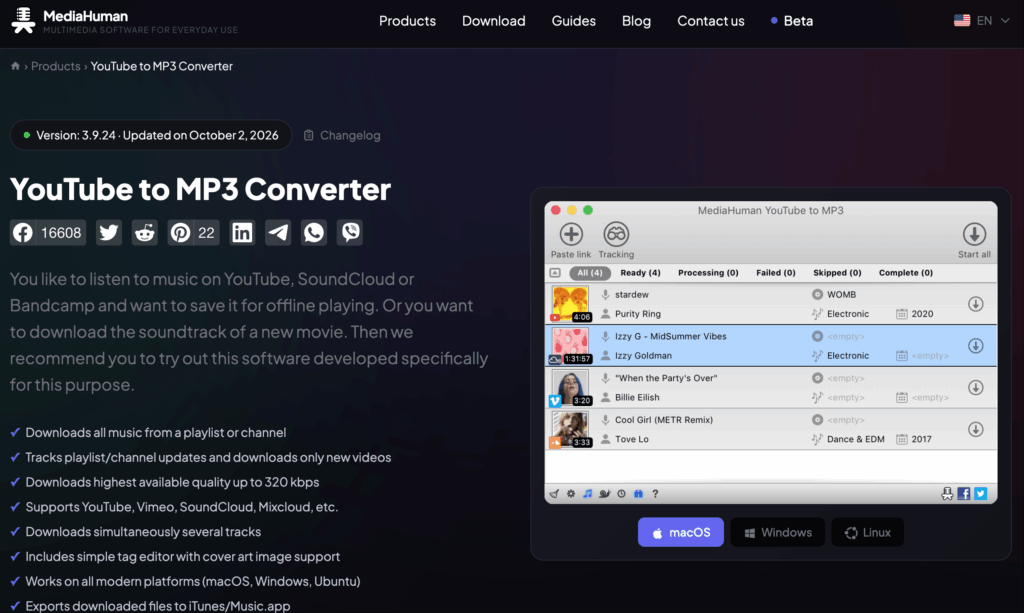
Best for: Users who want to convert playlists and organize audio files.
8. ClipGrab YouTube to MP3 Converter
ClipGrab is a desktop video downloader that can download supported online videos and convert them into formats such as YouTube to MP3. Its graphical interface makes the process relatively straightforward, even for users who are not familiar with command-line tools. However, available download sources and features may vary.
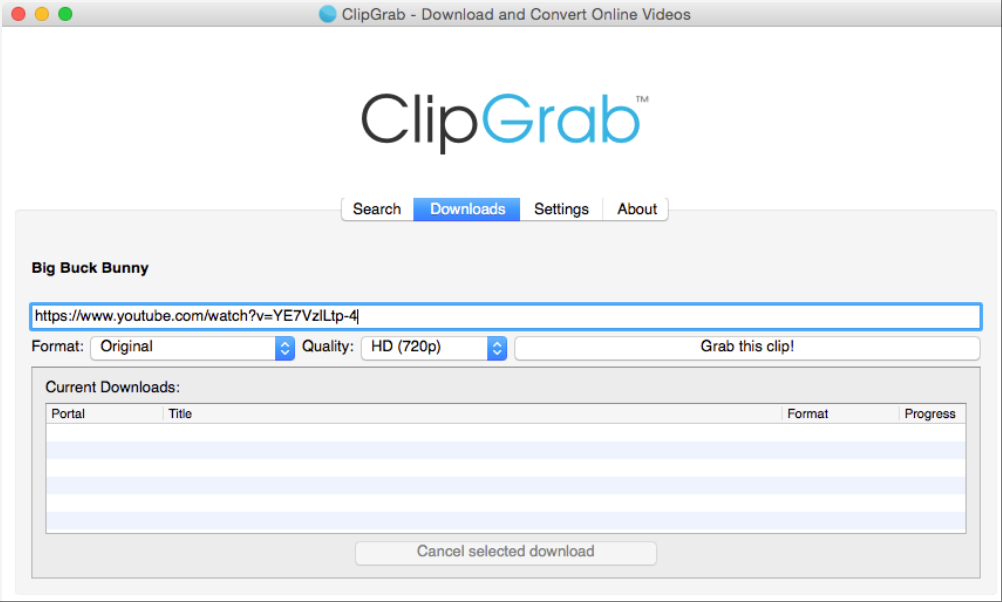
Best for: Beginners who prefer a desktop tool with a simple interface.
9. CnvMP3 YouTube to MP3 Converter
CnvMP3 is a browser-based media conversion tool that allows users to process supported YouTube video links to MP3 without installing desktop software. Its online workflow can be convenient for occasional conversions, although availability, supported formats, and advertising may change over time.
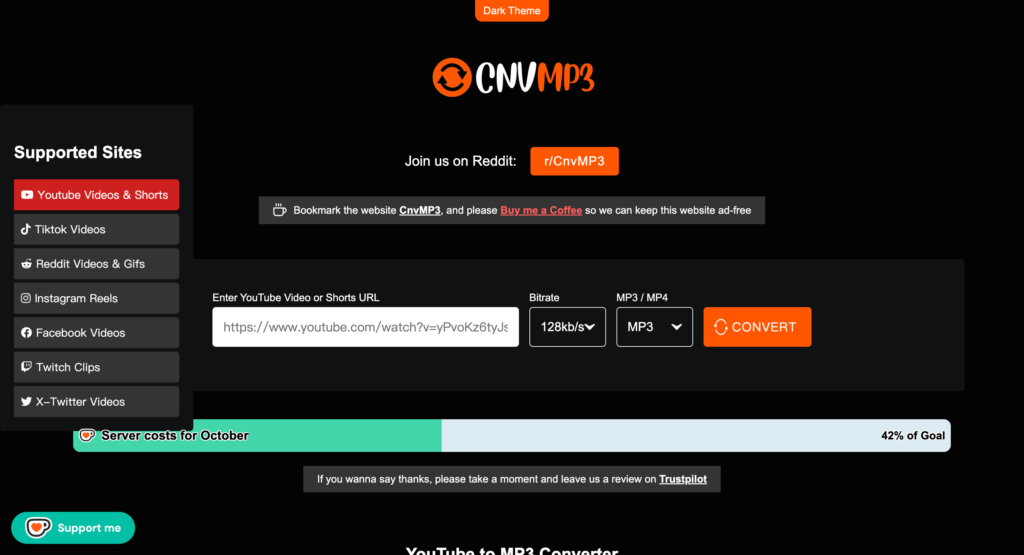
Best for: Users who prefer online conversion without installing additional software.
10. yt-dlp YouTube to MP3 Converter
yt-dlp is a free, open-source command-line tool for downloading media from supported websites, such as YouTube to MP3. It can extract audio and, when used with FFmpeg, convert it to MP3. Although it requires more setup than typical online converters, it offers extensive format options and flexible batch-processing capabilities.
Best for: Advanced users who want flexible audio extraction and batch processing.
Part 2. How to convert YouTube to MP3 for Free
Converting YouTube videos to MP3 is easy with the right tool. Follow these simple steps to extract audio from a supported YouTube link and save it as an MP3 file.
Step 1. Copy the YouTube Video Link
Open YouTube and find the video you want to convert. Click Share and copy the video link.
Step 2. Paste the Link into a YouTube to MP3 Converter
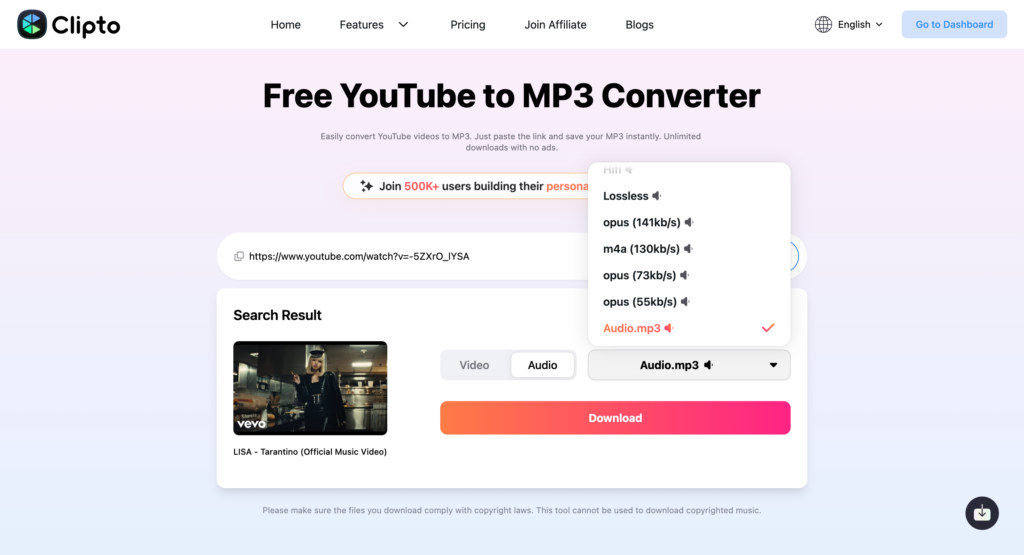
Open Clipto or other YouTube MP3 converters and paste the copied YouTube link into the converter.
Step 3. Select MP3 as the Output Format
Choose MP3 as the output format. Check the available conversion settings before proceeding.
Step 4. Convert and Save the Audio
Start the conversion and wait for it to finish. Once the MP3 file is ready, use the available download option to save it to your device.
Conclusion
Finding the right YouTube to MP3 converter makes it easy to enjoy audio content offline. Whether you prefer a simple online tool or desktop software, the 10 YouTube converters in this guide offer different options to suit your needs. If you’re looking for a free, ad-free experience with extra AI features, Clipto is worth trying. In addition to converting supported media links, it offers AI transcription and summarization to help you get more out of your audio and video content.
FAQs
1. Is it legal to use a YouTube to MP3 converter?
It depends on the content, your location, and how you use the downloaded audio. Converting copyrighted music without permission may violate copyright law or YouTube’s terms of service. To stay safe, use content you own, have permission to download, or that is legally available for download.
2. Can I convert YouTube to MP3 for free?
Yes, some online tools offer free YouTube to MP3 conversion. For example, Clipto provides a free, ad-free interface and additional AI features, including transcription and summarization. Available features and supported links may vary.
3. How to convert YouTube to MP4?
You can also use some of the YouTube converters mentioned in this guide, such as Clipto or TurboScribe, if they support MP4 output. Simply copy the YouTube video link, paste it into the converter, select MP4 as the output format, and save the YouTube MP4 video.